Skip to content
FRACTAL

Innovation and Imagination · Lesson 2

Picture it with Words

Students write and revise prompts in the FRACTAL AI Art tool, compare how descriptive language changes what the AI generates, and learn how training data can lead to errors and bias.

Students continue to explore how AI tools generate images by reproducing patterns from images and text created by humans. Students generate images in FRACTAL’s Digital Studio, explain how they improved their prompt, and note whether they observed any signs of bias in the AI’s output. Students see examples from different AI image generators and analyze the differences in a discussion about AI training.

Students then reflect on how they can adapt or change one of their AI-generated images to better express their own ideas and create artwork inspired by the image.

Learning targets

  • Define AI image generation and prompt at a high level.
  • Explain how descriptive words can influence an AI-generated image.
  • Use visual art vocabulary to create and revise an image-generation prompt.
  • Compare generated images and identify how changes in a prompt affect the output.
  • Explain that AI-generated images are based on patterns learned during training and may be inaccurate, unexpected, or biased.

Standards at a glance

Full Expedition standards, by grade and lesson

Grade 6
6.CN.2.2, 6.CR.1.1, 6.RE.1.2
Grade 7
7.CN.2.2, 7.CR.1.1, 7.RE.1.2
Grade 8
8.CN.2.2, 8.CR.1.1, 8.RE.1.2

Steps in the lesson

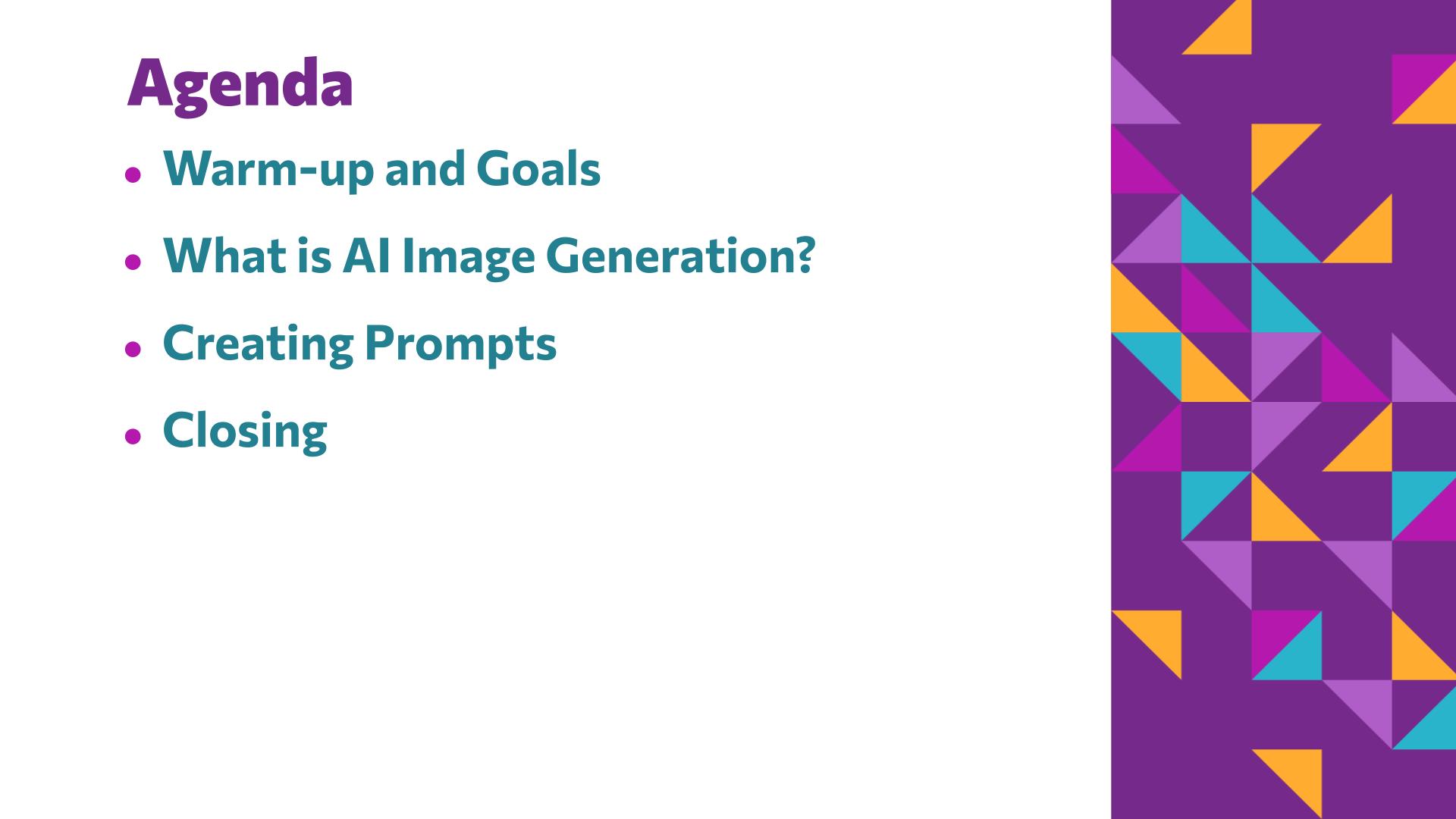
  1. Warm up

    5–7 minutes · Slides 2–4

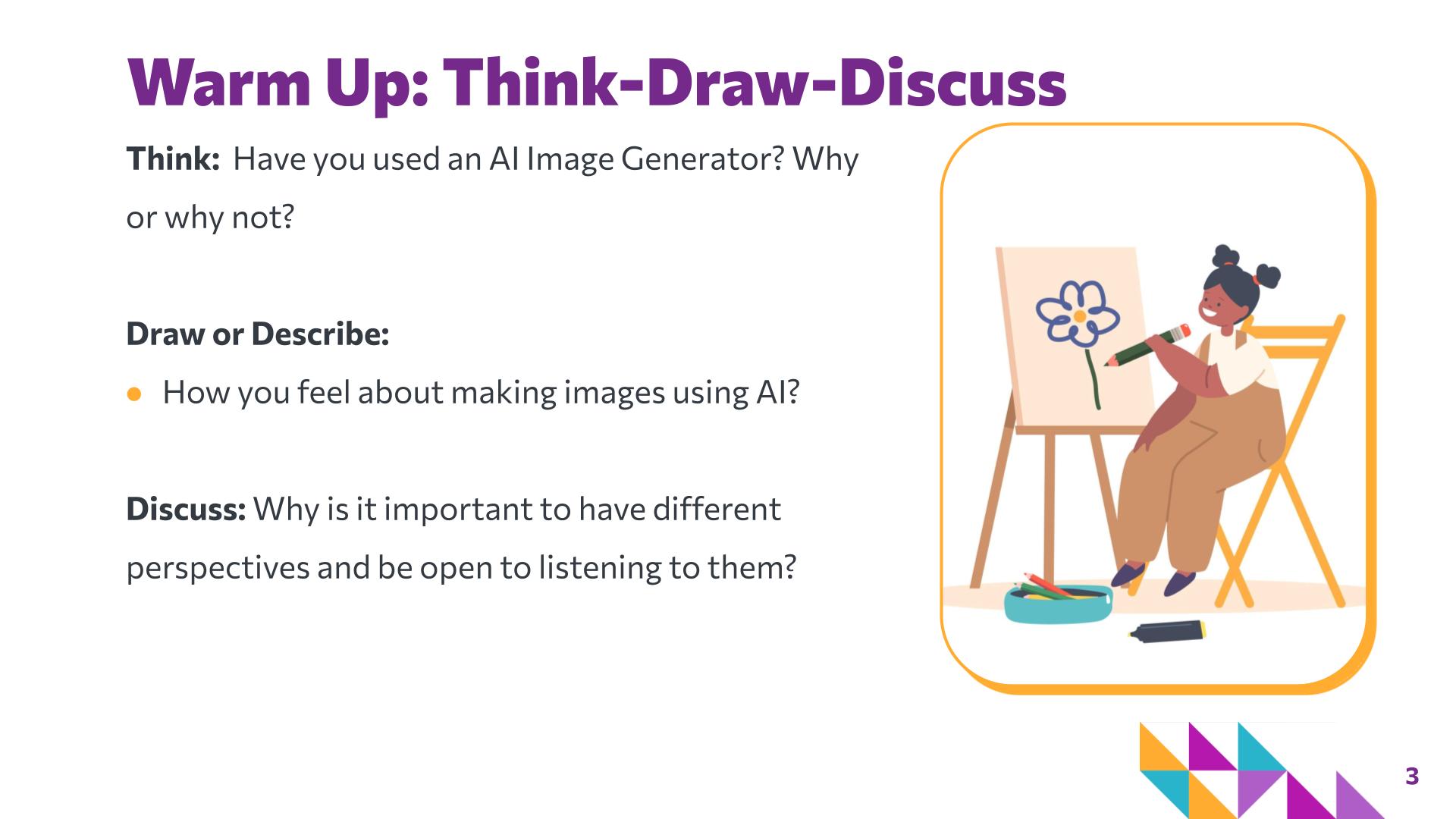
    • Invite students to reflect on whether they have used an AI image generator and how they feel about making images using AI. Students may draw or describe their response before sharing with a partner.
    • Encourage students to listen for similarities and differences in their perspectives. Reinforce that students may feel excited, curious, uncertain, skeptical, or have no previous experience with AI image-generation tools.
  2. Whole class instruction

    15 minutes · Slides 5–18

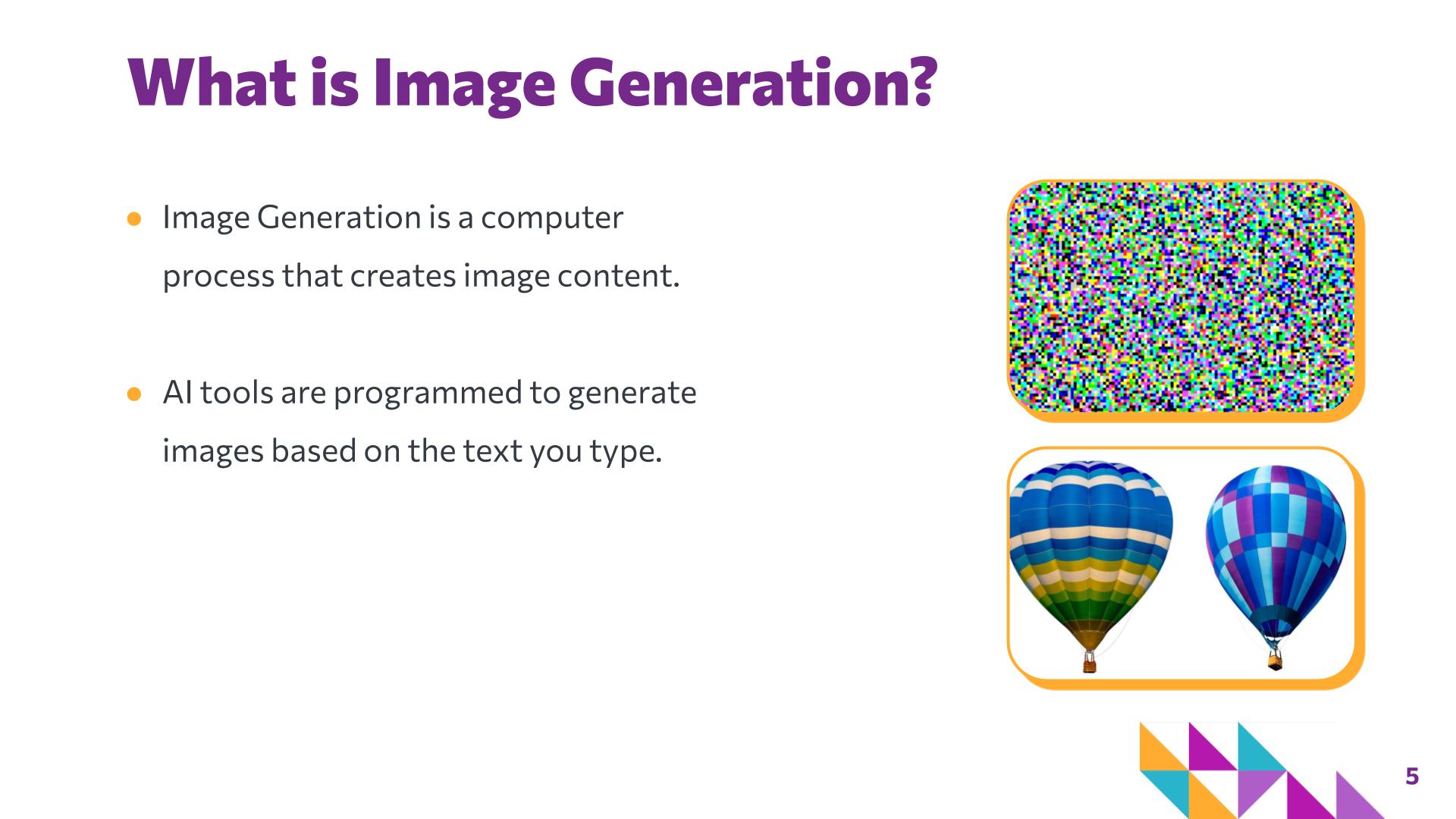
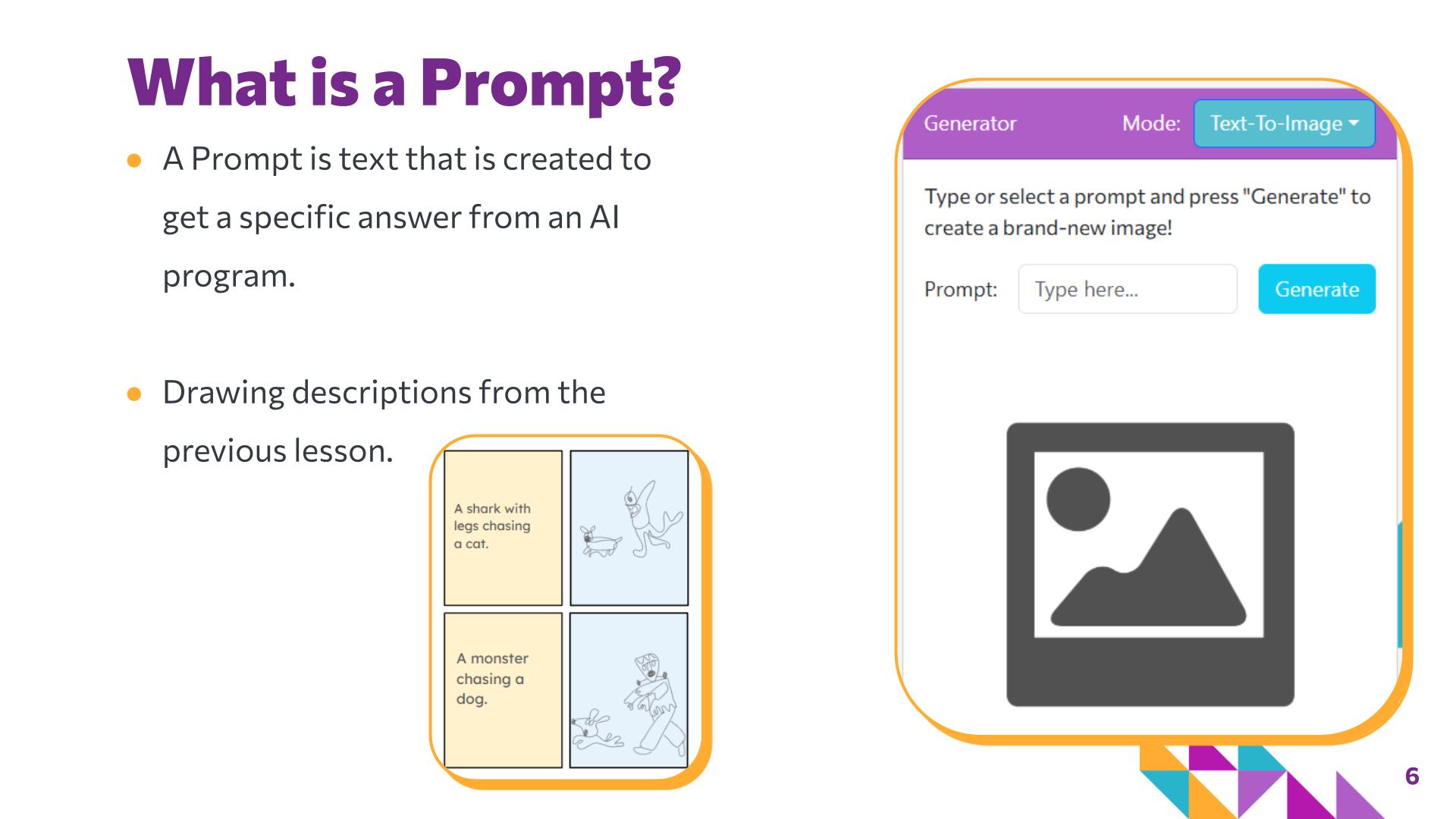
    • Introduce image generation and prompts. Explain that AI image generators create images from text prompts using patterns learned from images and text. Connect to Lesson 1 and introduce prompts as a simpler way for people to give computers instructions without writing complex code.
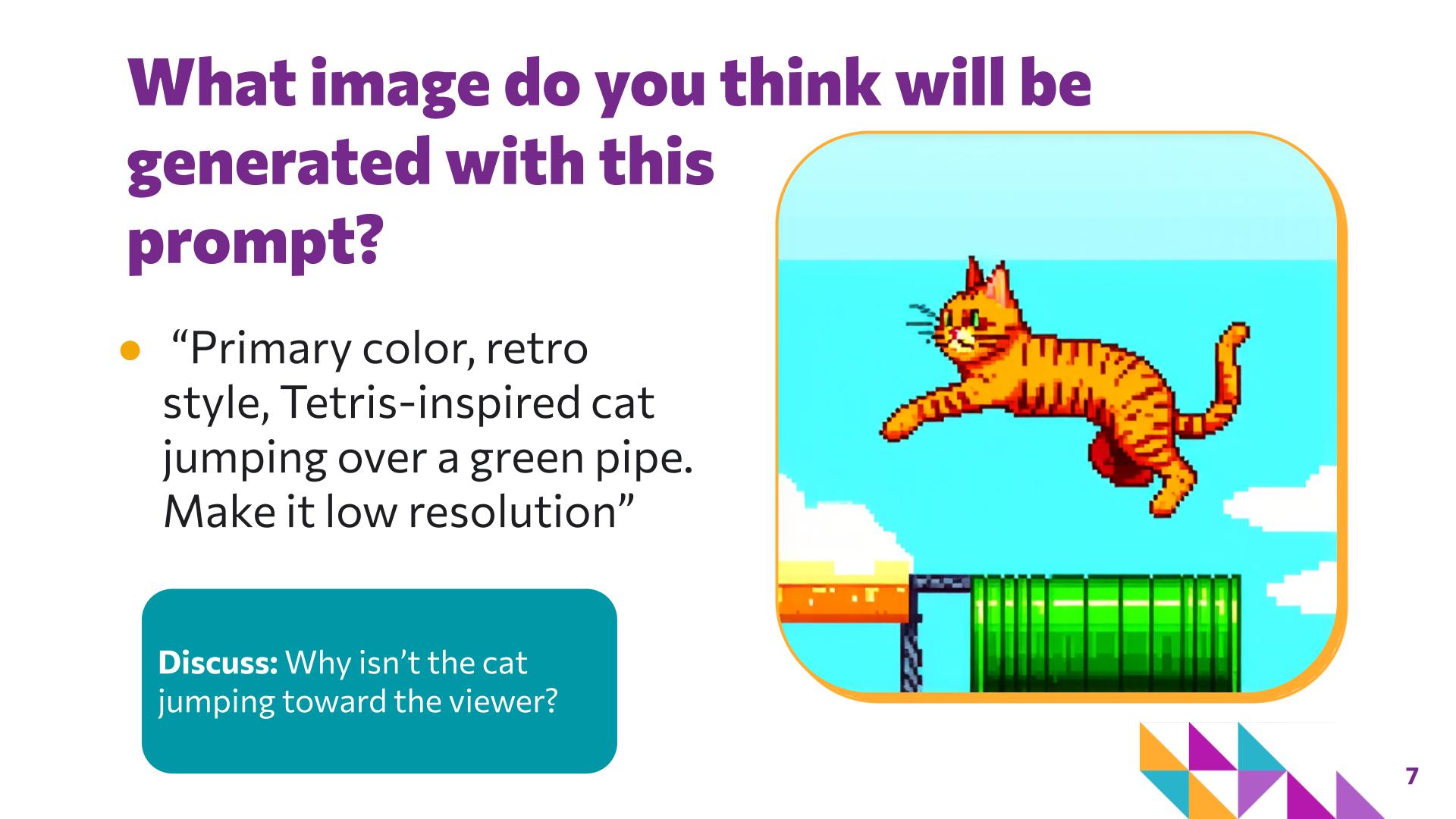
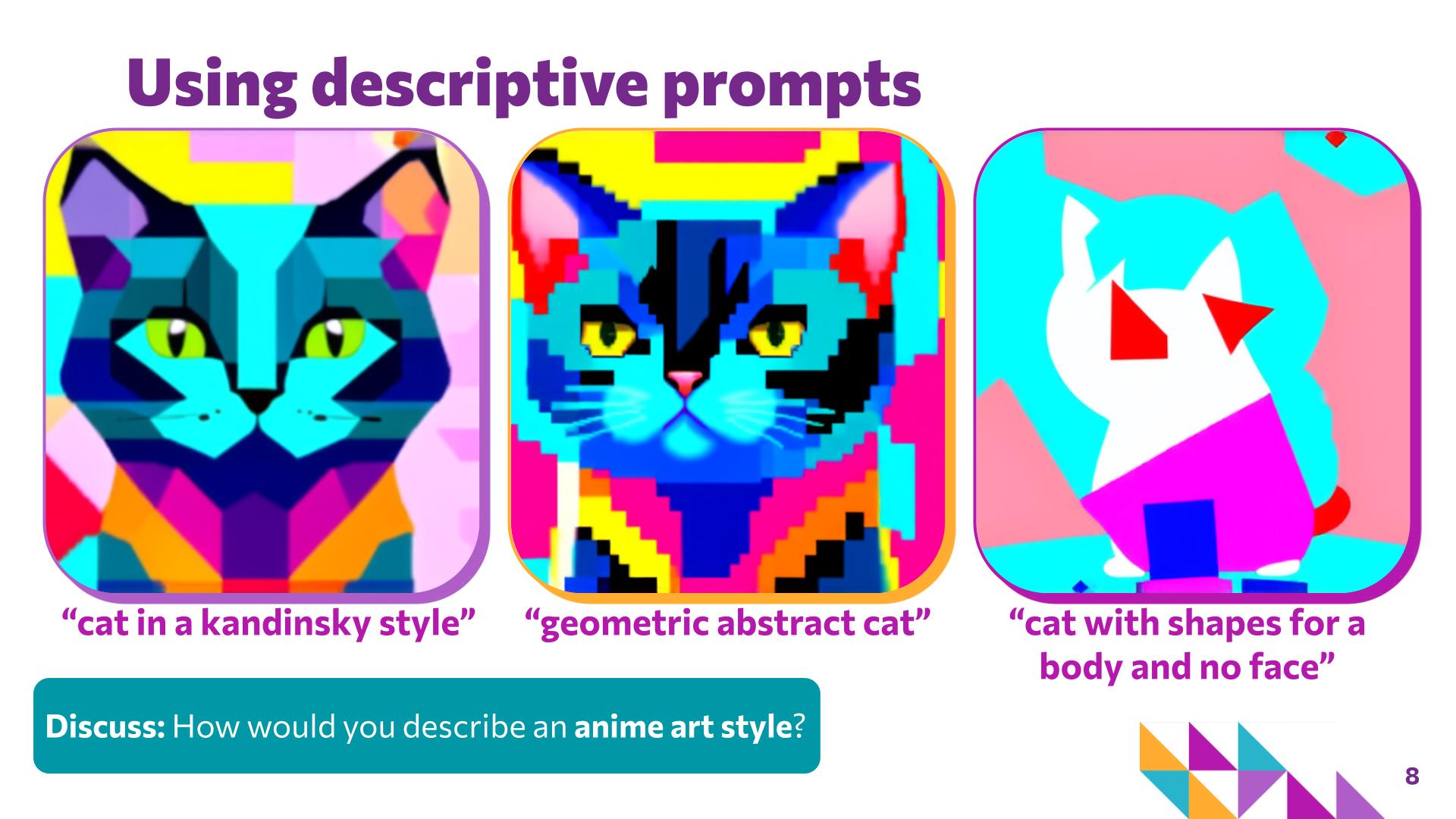
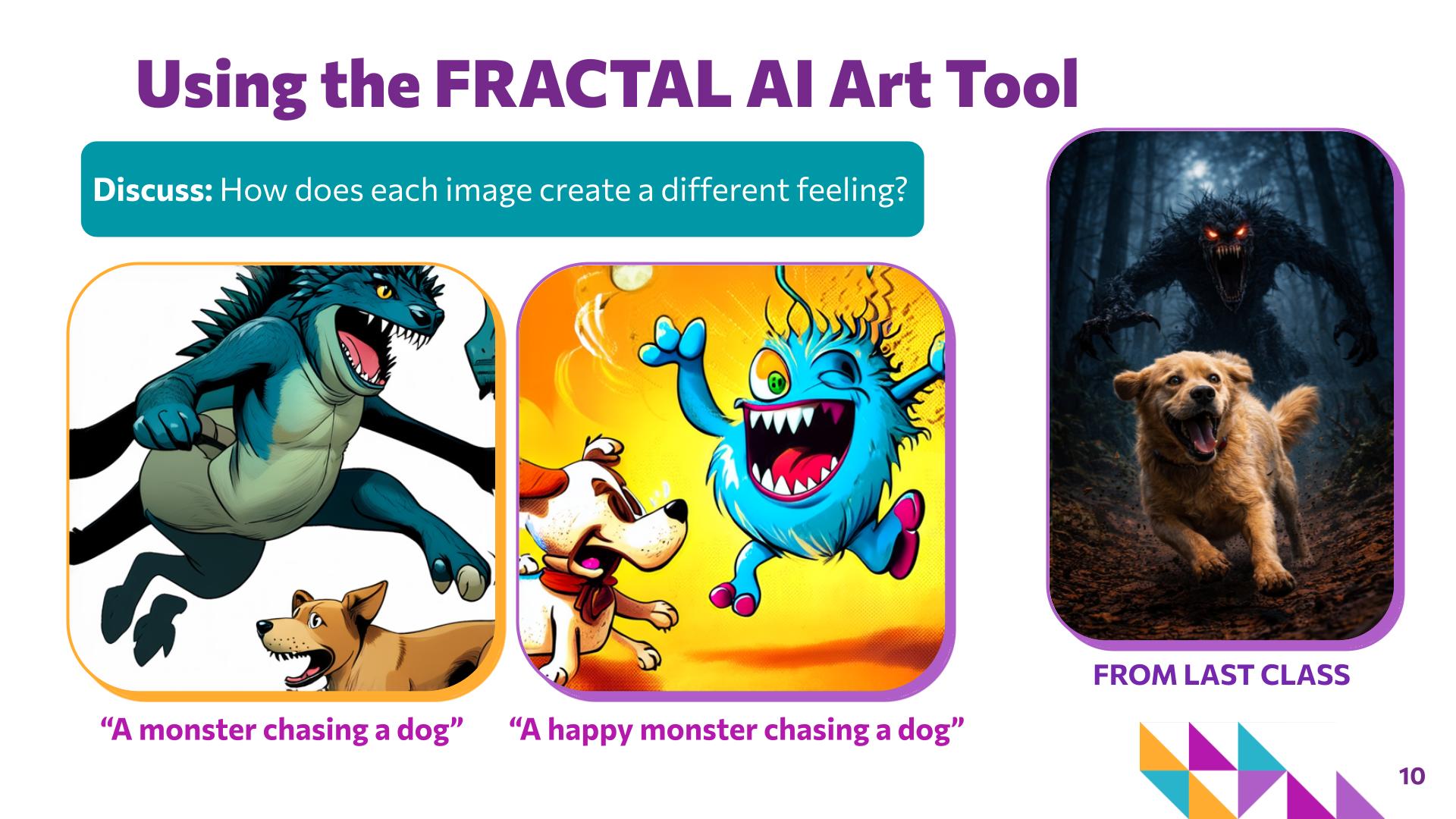
    • Explore how prompt details affect images. Use the cat examples to show that prompts can include subject, action, color, style, position, mood, and level of detail. Compare outputs to demonstrate that adding or changing descriptive language can change what the AI generates.
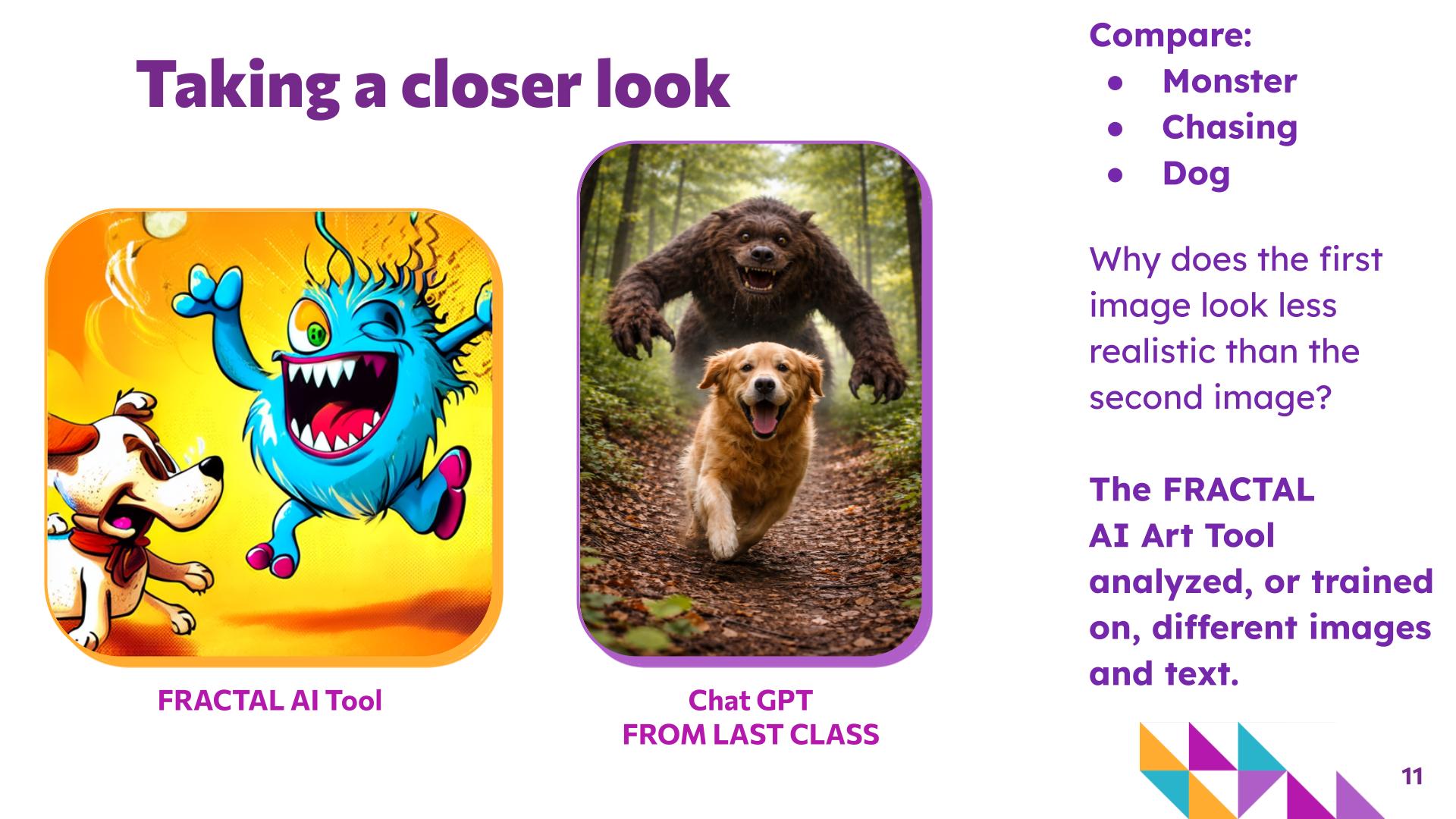
    • Compare AI-generated outputs. Have students notice how similar prompts can produce different results across tools or generations. Reinforce that AI interprets prompts through learned patterns, so the output may not exactly match what the user imagined.
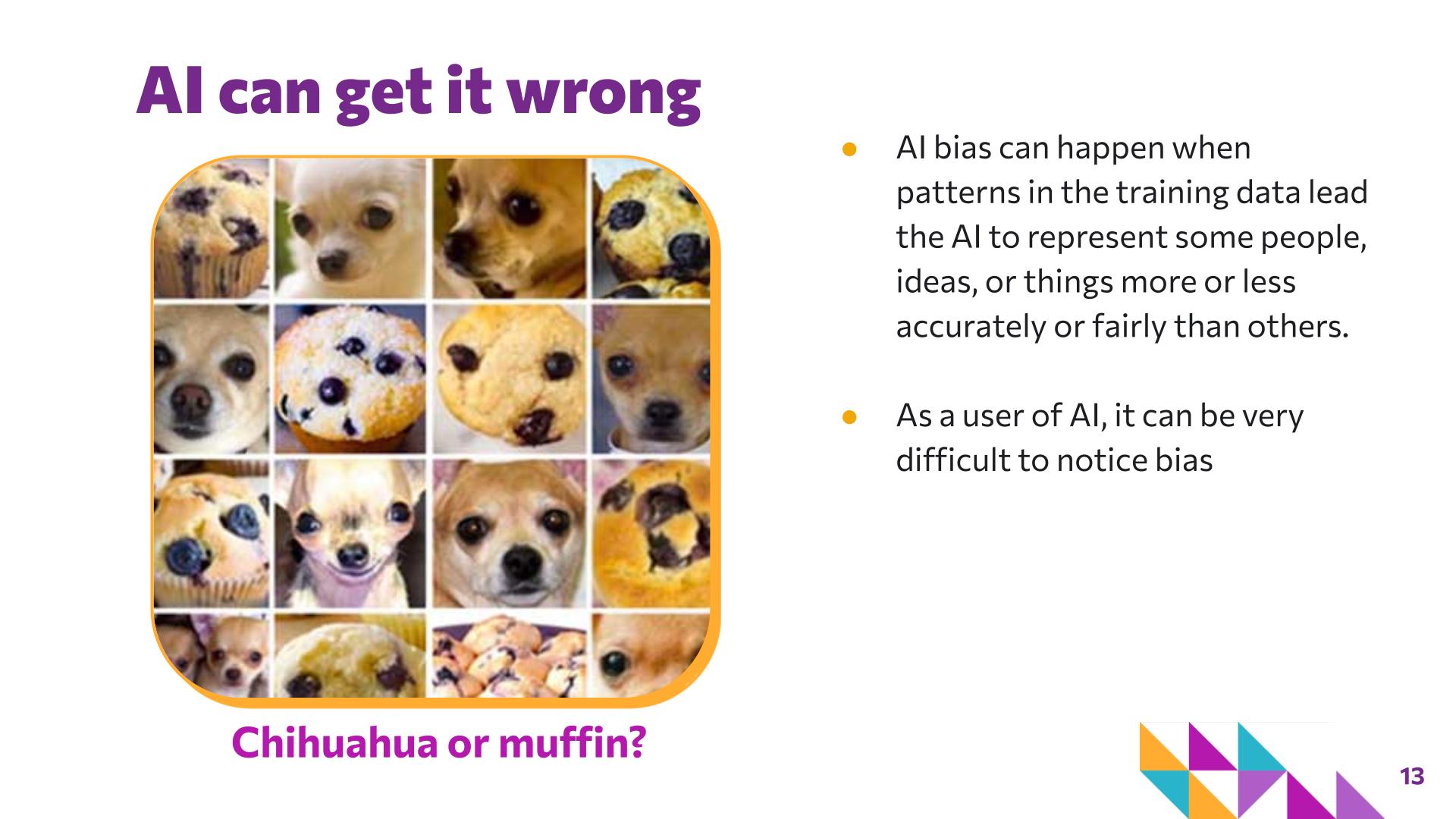
    • Introduce training data, errors, and bias. Explain that the data used to train an AI system influences what it generates. AI outputs can be incomplete, unexpected, or inaccurate, and patterns in training data can also lead to bias in how some people, ideas, or things are represented.
  3. Activity: Prompting AI

    25 minutes · Slides 19

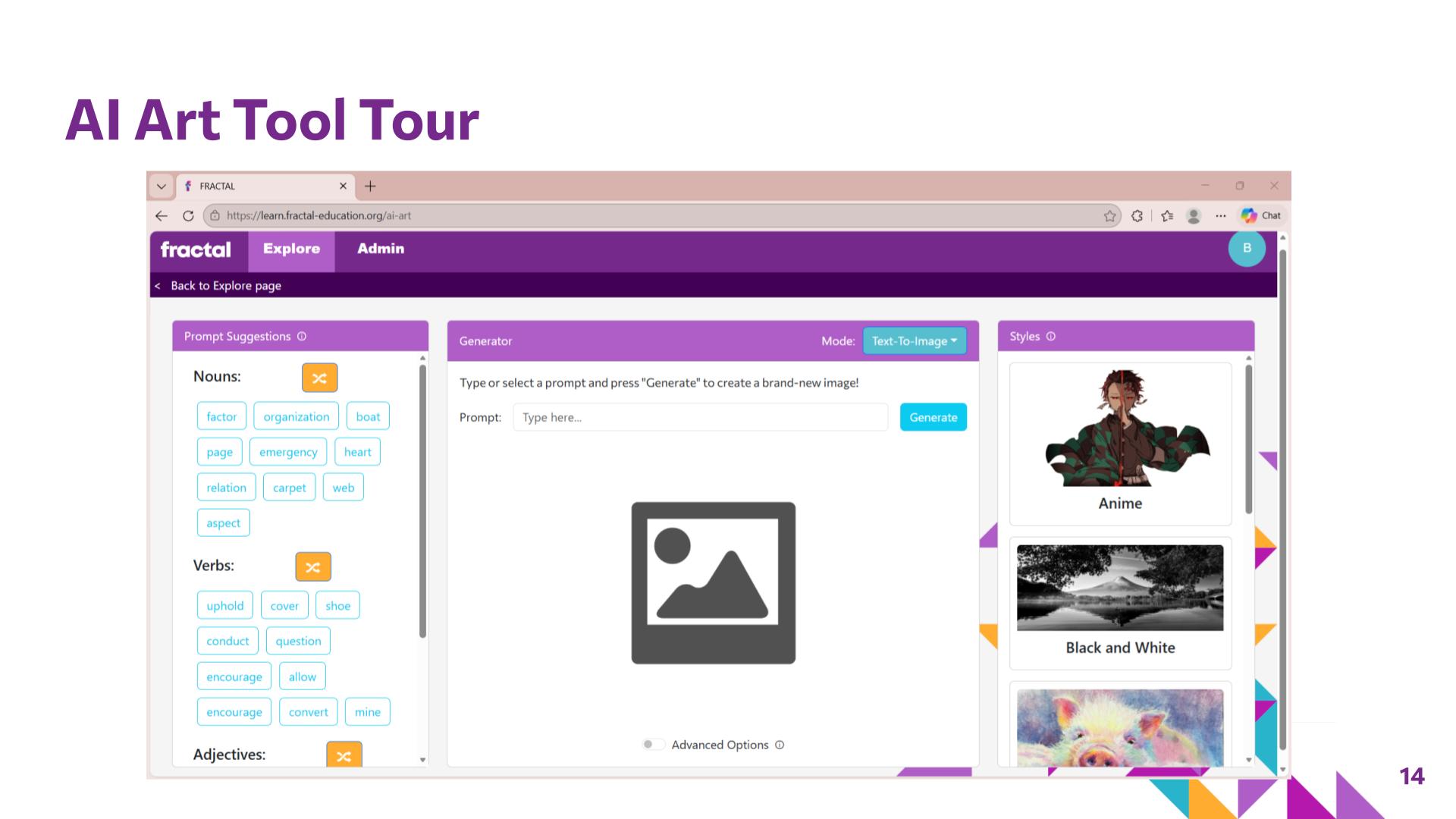
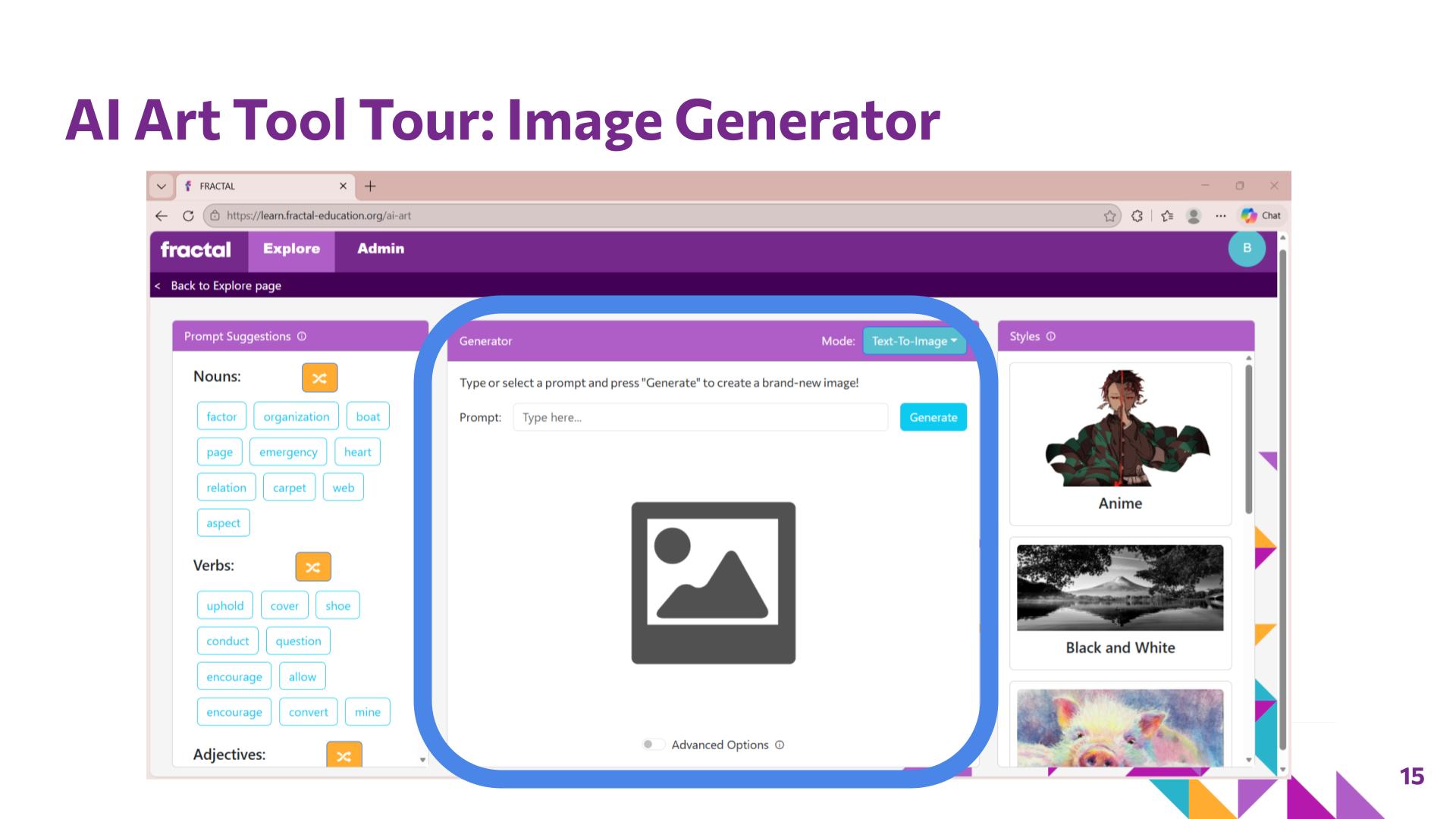
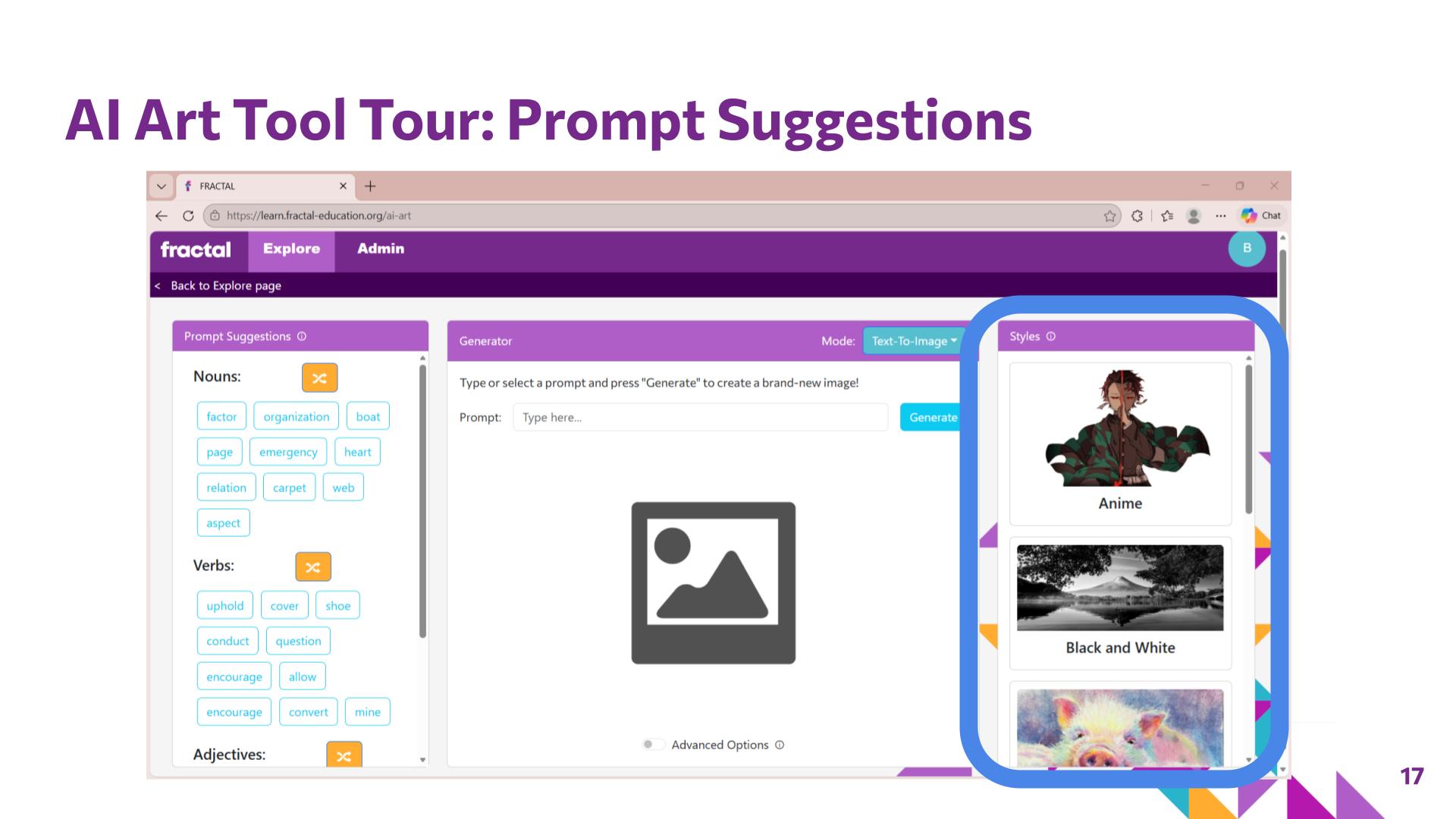
    • Give students a brief tour of the FRACTAL AI Art tool before they begin working independently. Emphasize that the goal is not to create the "best" image or find a perfect prompt, but to experiment with how art vocabulary, descriptive language, and visual qualities influence generated outputs.
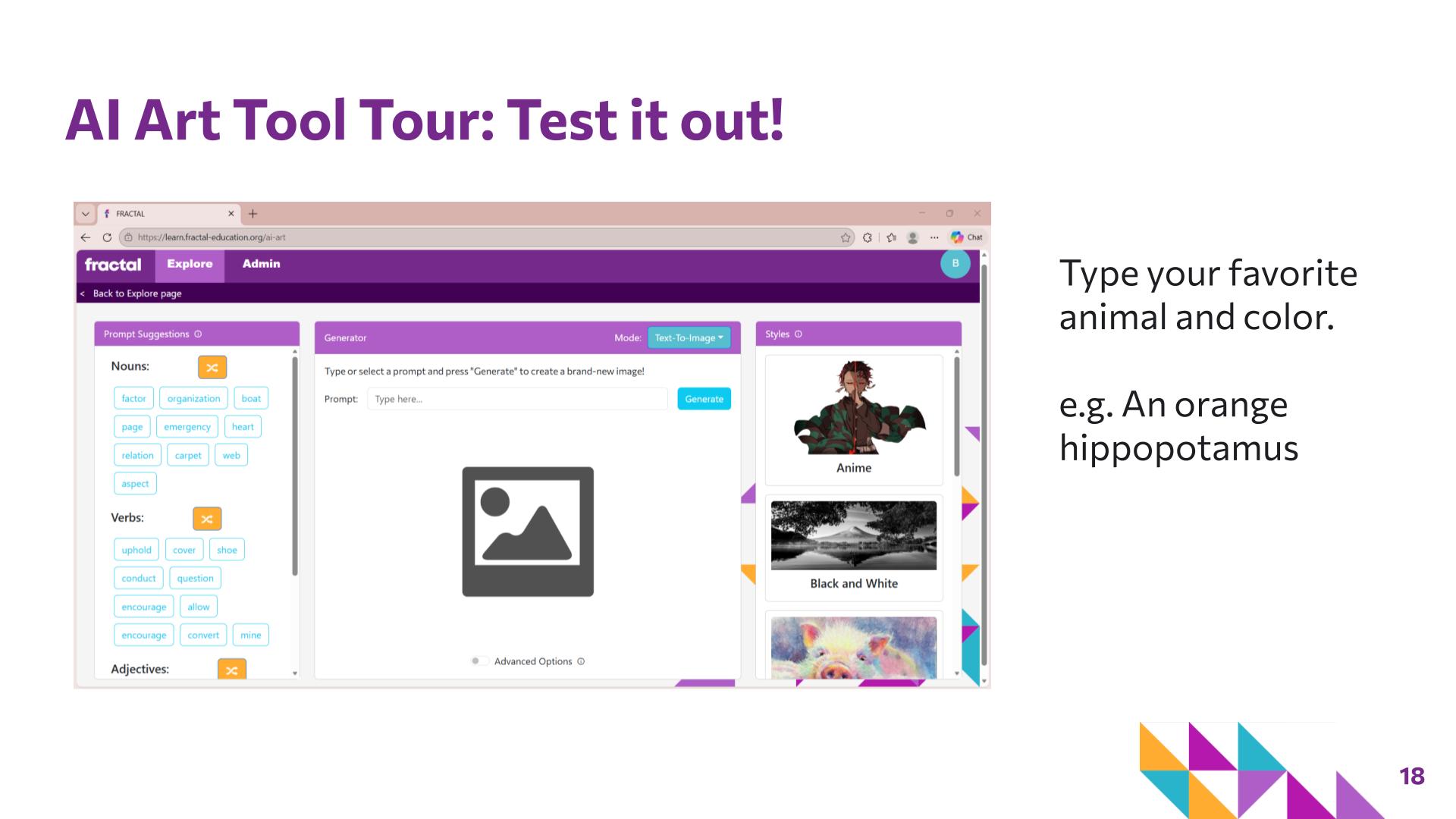
    • Have students complete a quick test generation using a familiar subject, such as a favorite animal and color, to learn the basic controls.
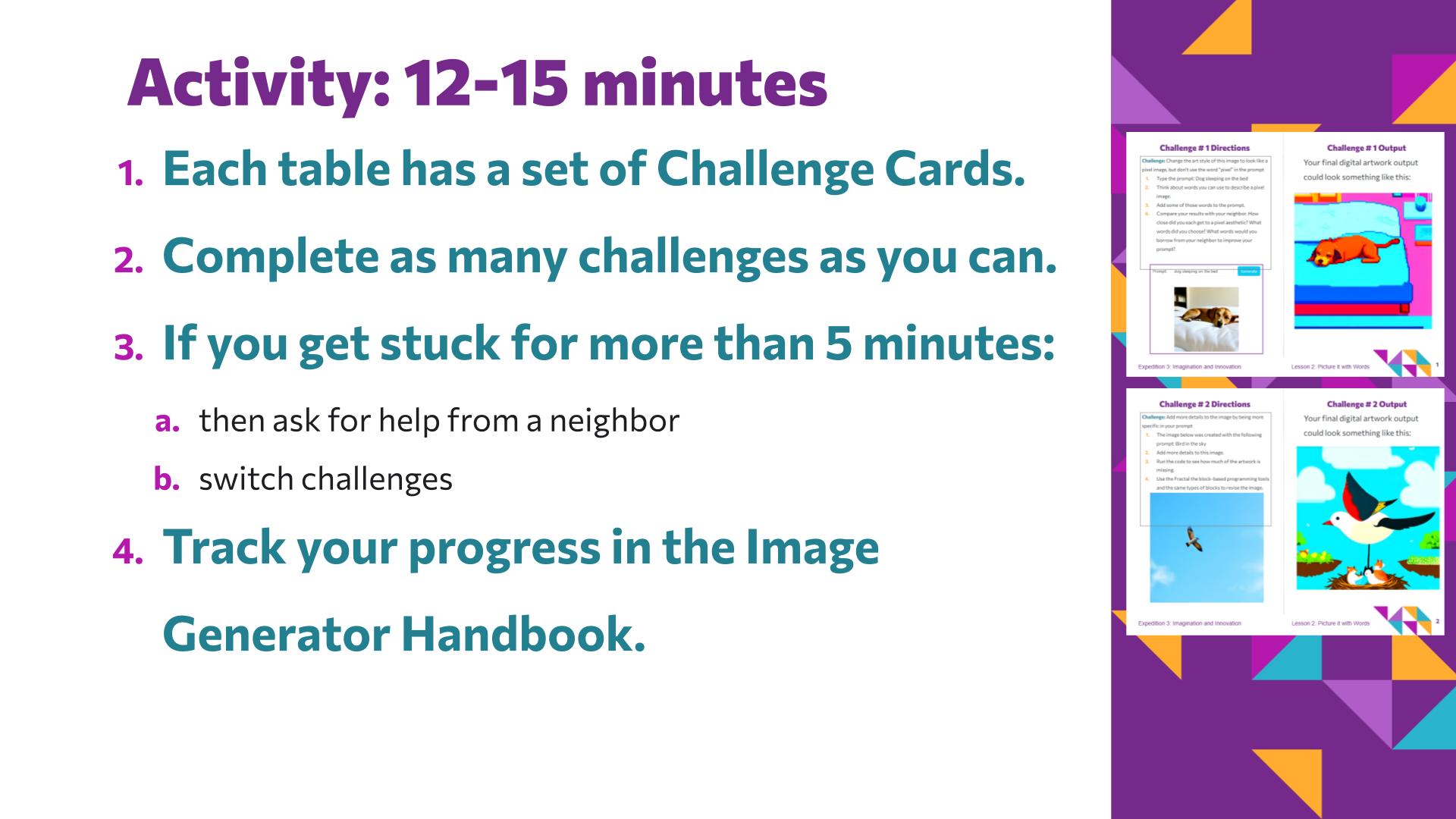
    • Once students have experimented with their own prompts, offer the Picture it with Words Challenge Cards for additional structured practice with describing visual style and adding specificity.
    • Have students pair up to complete 2–3 of the six Challenge Cards, each testing a specific prompting skill (e.g., specificity, seed control, step refinement).
    • Instruct students to work collaboratively, with one generating images while the other observes and asks guided questions. They track their progress and key learnings in their Image Generator Handbook.
    • Circulate to facilitate discussion by asking probing questions about variable changes (words vs. seeds vs. steps) and observing how specific adjustments alter AI outputs, ensuring students record their findings before time ends.
  4. Closing

    5 minutes · Slides 20–21

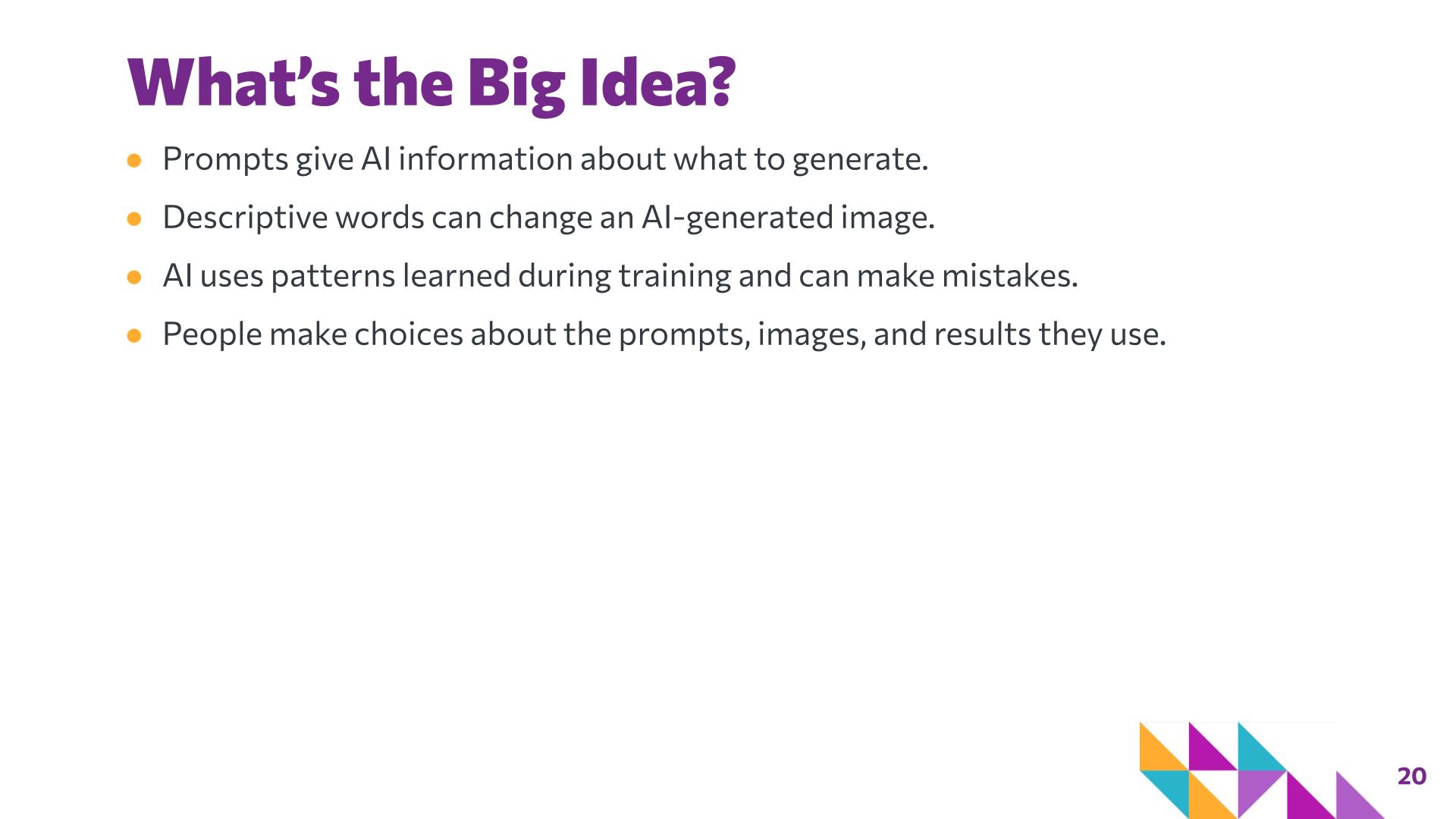
    • Review the lesson's big ideas. Reinforce that even a detailed prompt does not guarantee a particular result. AI tools generate outputs based on learned patterns, while the user makes decisions about what to ask for, how to revise the prompt, which results are useful, and what to do with those results.
    • Preview that students will continue thinking critically about AI-generated artwork in the next lesson by examining and critiquing both human-made and AI-generated images.

Slide-by-slide guide

The lesson deck with its speaker notes — what to say and what to do on each slide, with suggested timing. Slide numbers match the deck in Google Slides.

Slide 1: Quick Links to Materials — Picture it with Words
Hidden in the student deck — teacher reference

Quick Links to Materials

1 min

Say

This slide includes quick links to today’s lesson materials.

Do

Teacher-facing slide. Before class, open the Lesson 2 materials and Fractal Studio AI Art Tool. Make sure student devices are ready and students have access to their login information. This slide can be skipped when presenting to students.

Slide 1 of 21

Materials & preparation

Handouts & links

Gather

  • Pencil
  • Computing device with internet access

Learner variability

Students engage with AI image generation through discussion, visual comparison, writing, and hands-on experimentation, providing multiple entry points for students with different levels of prior AI experience.

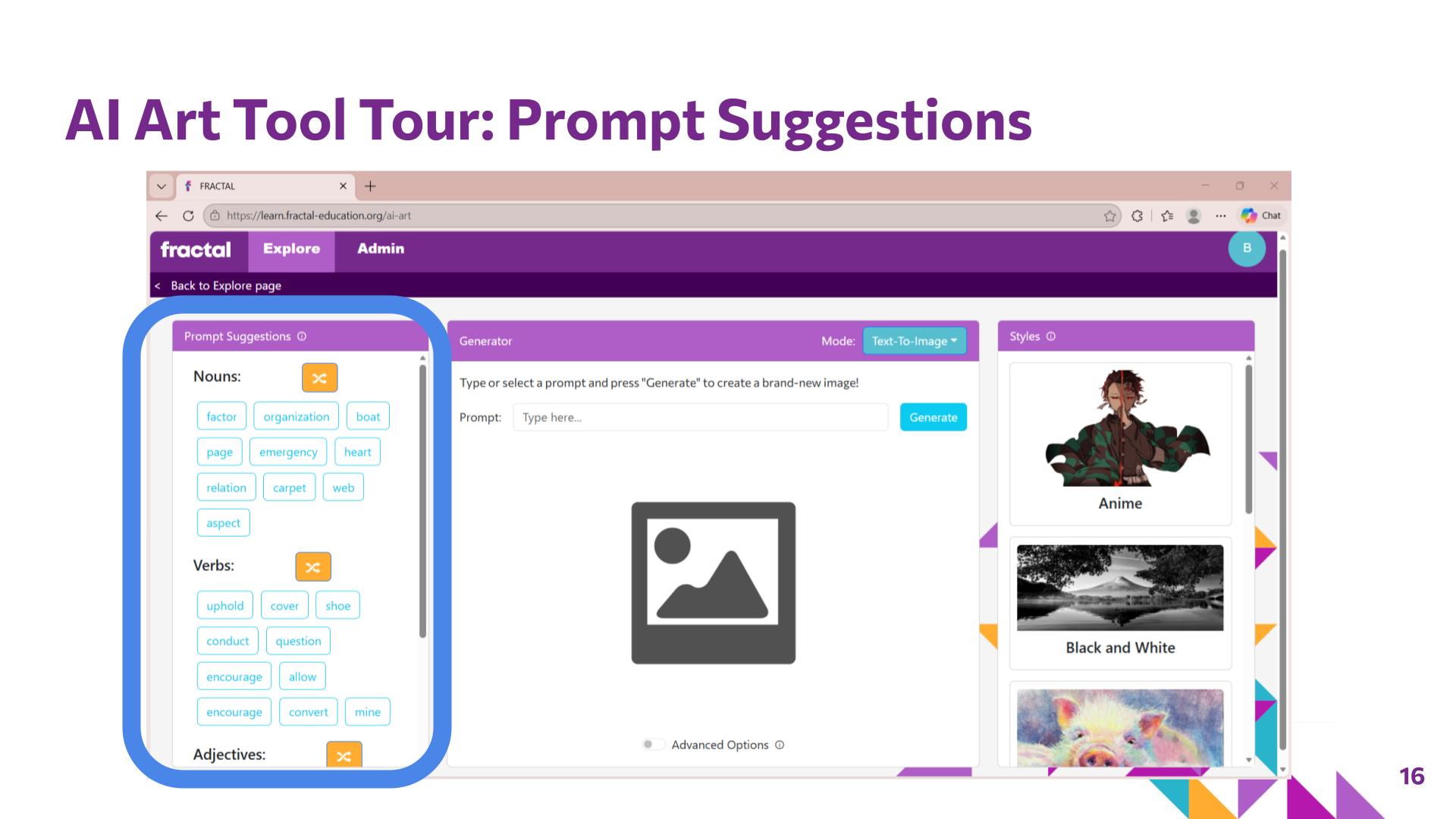
The prompt-planning categories — Subject, Describe, Emotion, and Style — break prompt construction into smaller parts and provide structure for students who need support getting started. Built-in prompt suggestions and style options in the FRACTAL AI Art tool give students additional support while allowing students who are ready for greater independence to write their own prompts.

The Challenge Cards provide structured practice with different levels of openness. Students may borrow effective descriptive language from a neighbor and revise their own work rather than needing to solve each challenge independently.

How these options connect to UDL →

Background for the teacher

AI bias
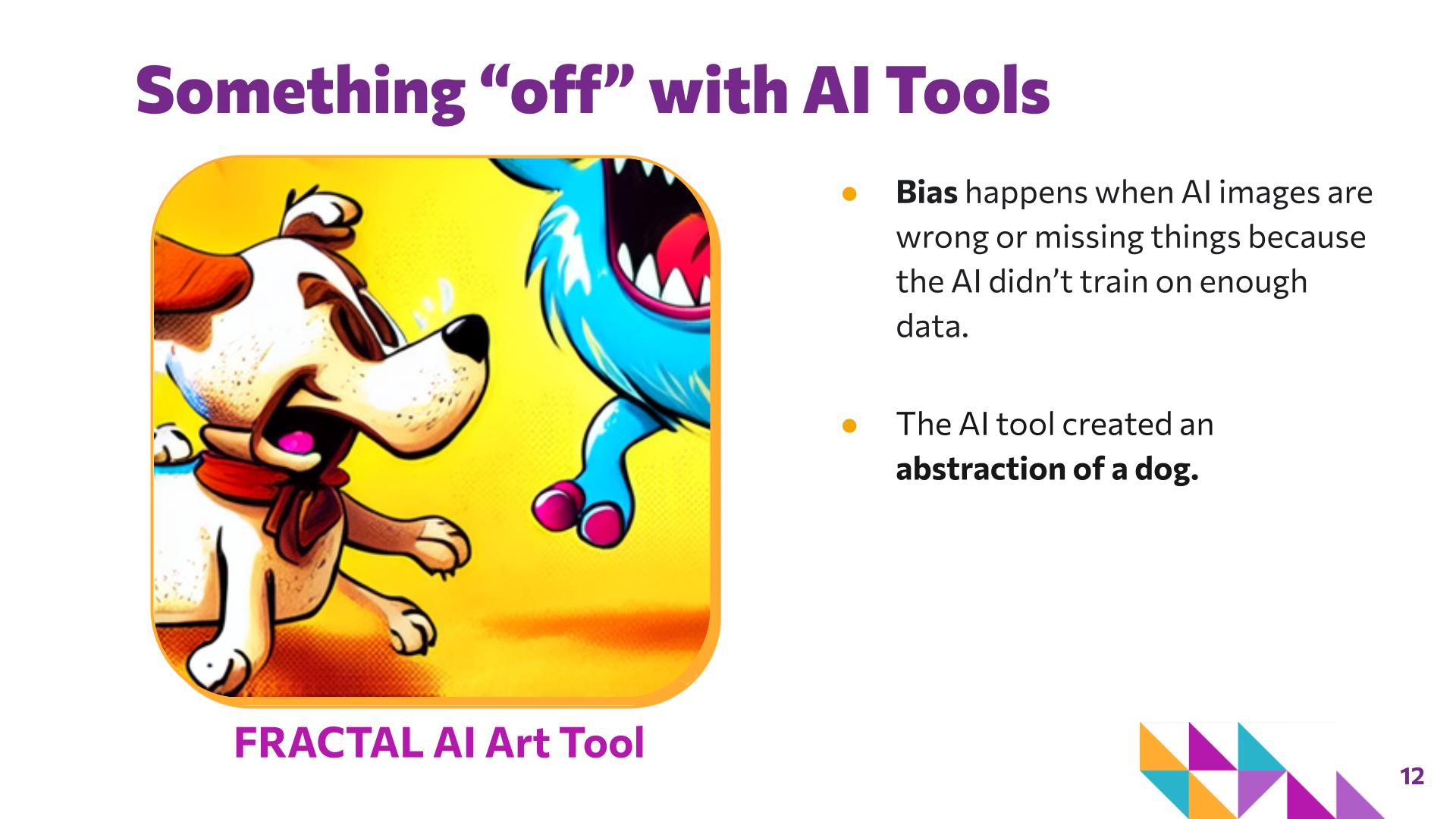
Bias can occur when patterns in training data lead an AI system to represent some people, ideas, or things more or less accurately or fairly than others.
AI error
An output that is inaccurate, unexpected, incomplete, or does not match the user's intent. An unexpected output is not automatically evidence of bias.
AI image generation
A computer process that creates image content based on input such as a text prompt. AI image-generation systems use patterns and relationships learned during training to produce an output.
AI training
The process through which an AI system analyzes data and learns patterns and relationships that can later influence its outputs.
Art style
Visual qualities or conventions that help characterize how an artwork looks. Students can communicate style through descriptive features such as color, line, shape, pattern, detail, and composition rather than relying only on the name of a style.
Descriptive prompt
A prompt that includes specific information about visual features such as subject, color, position, setting, mood, composition, or style.
Prompt
Text given to an AI program to communicate what kind of output the user wants.
Setting: seed (randomness)
Think of the seed as a random starting point for the data used to train an AI program, so the seed can affect the result. Some seeds give adequate results while others tap into different data and generate less detailed images. If you use the same prompt but change the seed, the AI generates a completely different image. If you keep the same seed and tweak one word, the composition and style often stay similar while the objects change.
Setting: steps (refinement)
How many times the AI iterates on its work to refine details. A low number of steps produces a rough draft quickly, which may look blurry or lack fine detail; more steps let the model sharpen edges, fix inconsistencies, and add texture, at the cost of more time and energy.
Why do some images look "off"?
The FRACTAL image generator is intentionally capped at 20 steps to conserve energy. Unlike tools that run 50+ steps for photorealism, the lower step count can produce images that look abstract or rough. The FRACTAL team sees this as an opportunity: working with less refined outputs helps students gain a deeper understanding of the mechanics behind AI image creation and make connections to the concept of abstraction.

How these ideas connect

  • Lesson 1 introduced students to the idea that humans and AI can both respond to words with images, but they do so differently. Lesson 2 moves students from observing this relationship to actively experimenting with it.
  • Prompt writing sits at the intersection of art and computer science. Students use the language of art — such as color, composition, style, mood, and placement — to give a computer clear instructions for generating an image.
  • Creating with AI uses an iterative process similar to both coding and artmaking. Students test a prompt, examine the output, revise their instructions, and try again — combining artistic decision-making with computational practices such as sequencing, pattern recognition, and debugging.
  • Discussion of training and bias prepares students for Lessons 3 and 4, where they consider questions about AI-generated artwork, artistic intent, authorship, critique, and human creative choices.