Skip to content
FRACTAL

Innovation and Imagination · Lesson 4

Art Remix

In the culminating FRACTAL lesson, students reinterpret an AI-generated image in an art style of their choice, then turn the four-step critique on their own work.

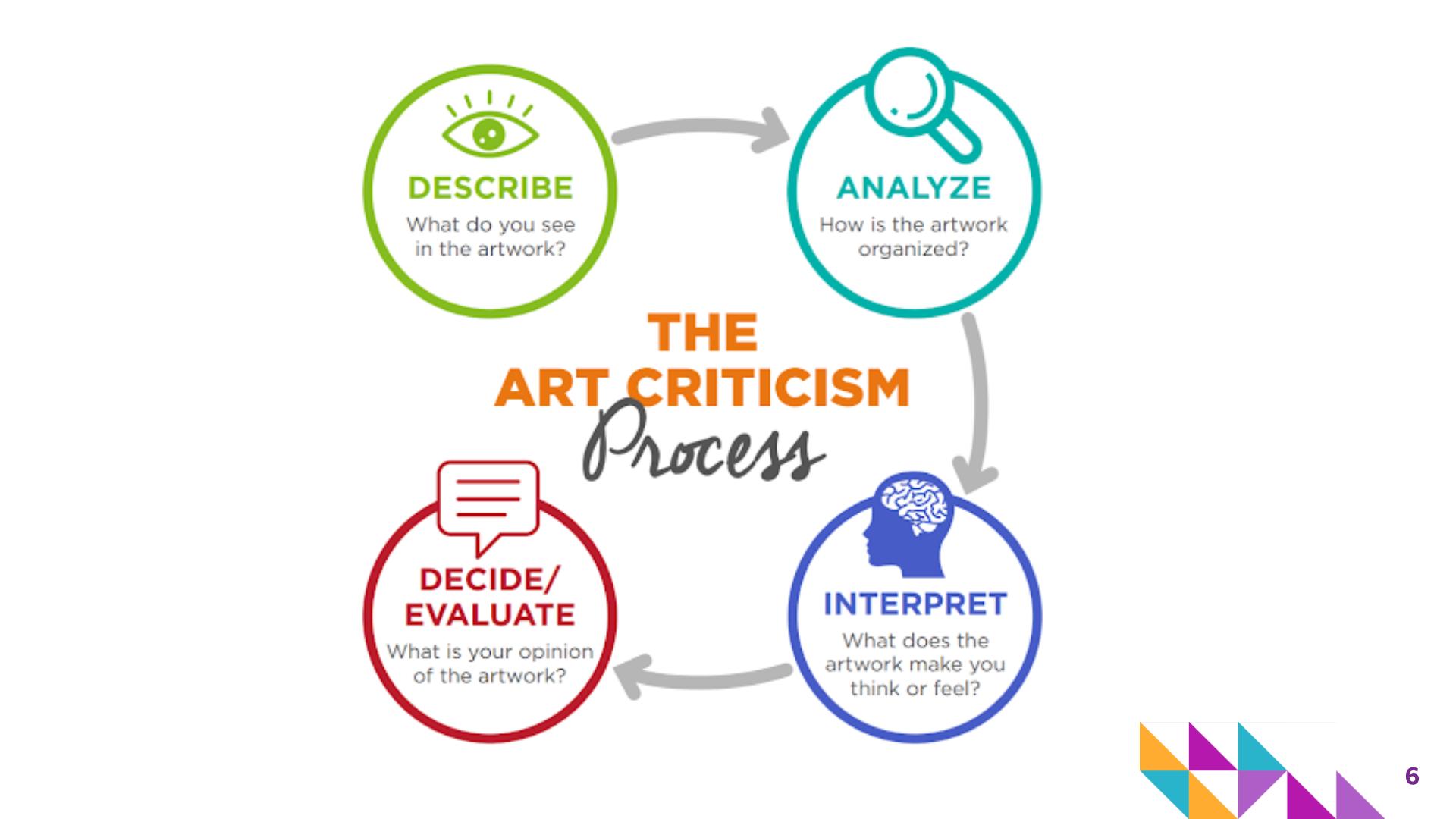
Students bring together ideas from across FRACTAL by using an AI-generated image as inspiration for an original artistic reinterpretation. After reviewing the four-step art critique process — Describe, Analyze, Interpret, and Evaluate — students examine how the same subject can be represented through different artistic approaches, including pixel art, geometric art, and quilts. Students select an AI-generated image and reinterpret it using an art style of their choice, making intentional decisions about what to keep, change, simplify, emphasize, or communicate. They then shift roles from artist to art critic and conduct a self-critique of their finished work.

As the final FRACTAL lesson, students reflect on how technology can provide new tools and sources of inspiration, but it is up to people to make artistic choices, create meaning, and evaluate their own work.

Learning targets

  • Explain the purpose and four steps of an art critique: Describe, Analyze, Interpret, and Evaluate.
  • Reinterpret an AI-generated image using intentional choices about artistic style, color, shape, pattern, composition, and level of detail.
  • Explain how the same image or idea can be represented in multiple ways.
  • Apply the four-step art critique process to reflect on and evaluate one's own artwork.
  • Describe how human artistic choices contribute to creating meaning when technology is used as a tool or source of inspiration.

Standards at a glance

Full Expedition standards, by grade and lesson

Grade 6
6.RE.1.2, 6.CN.2.2, 6.CR.2.1
Grade 7
7.RE.1.2, 7.CN.2.2, 7.CR.2.1
Grade 8
8.RE.1.2, 8.CN.2.2, 8.CR.2.1

Steps in the lesson

  1. Warm up

    5 minutes · Slides 4–6

    • Ask students to think about where they go for inspiration when they want to make or create something new, and then draw it.
    • Invite students to share their drawing with a partner and briefly describe why that source helps them come up with new ideas. Use the discussion to emphasize that inspiration can come from many places, including nature, other artwork, music, stories, technology, people, memories, or everyday experiences.
  2. Whole class instruction

    10 minutes · Slides 5–12

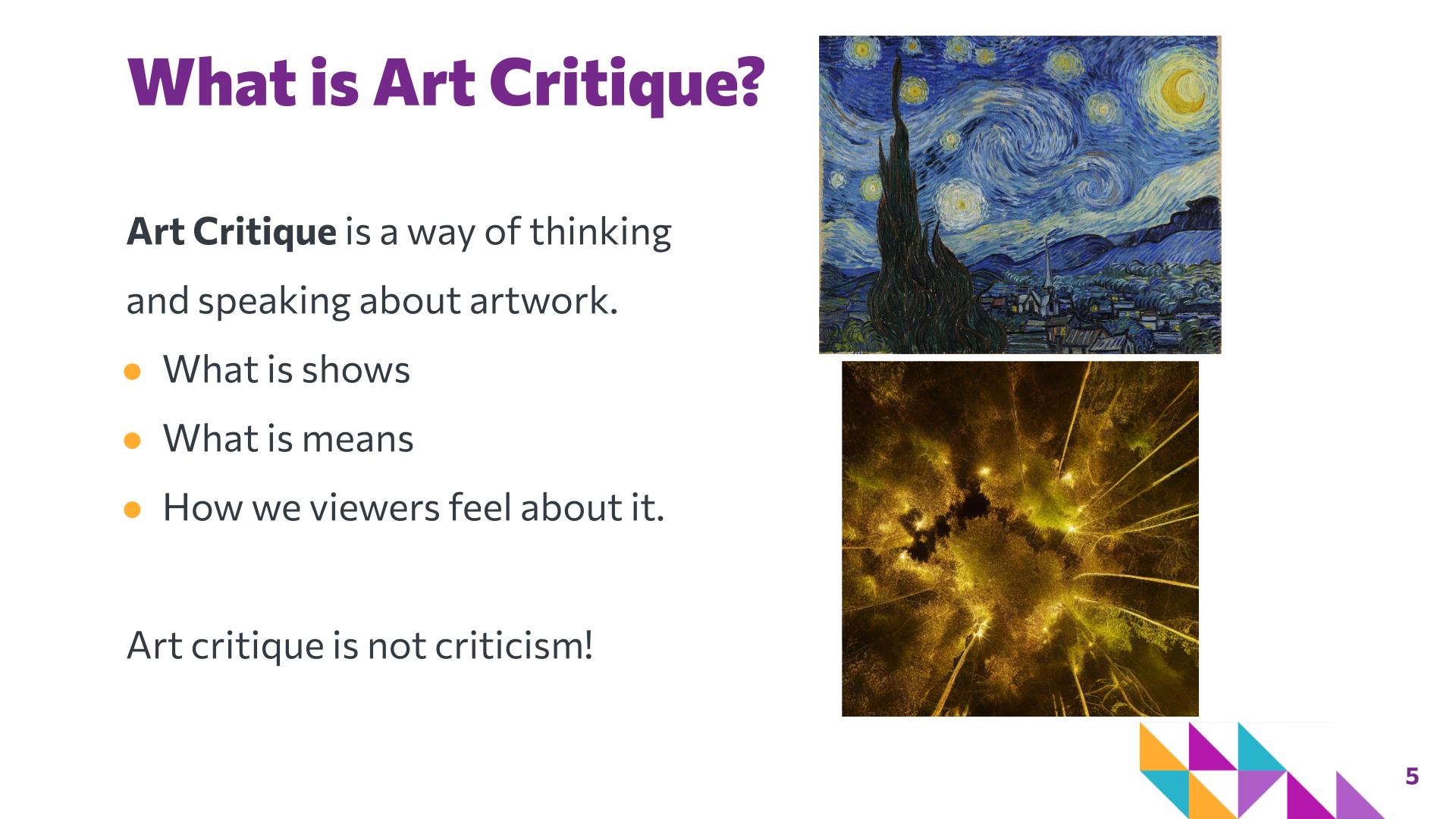
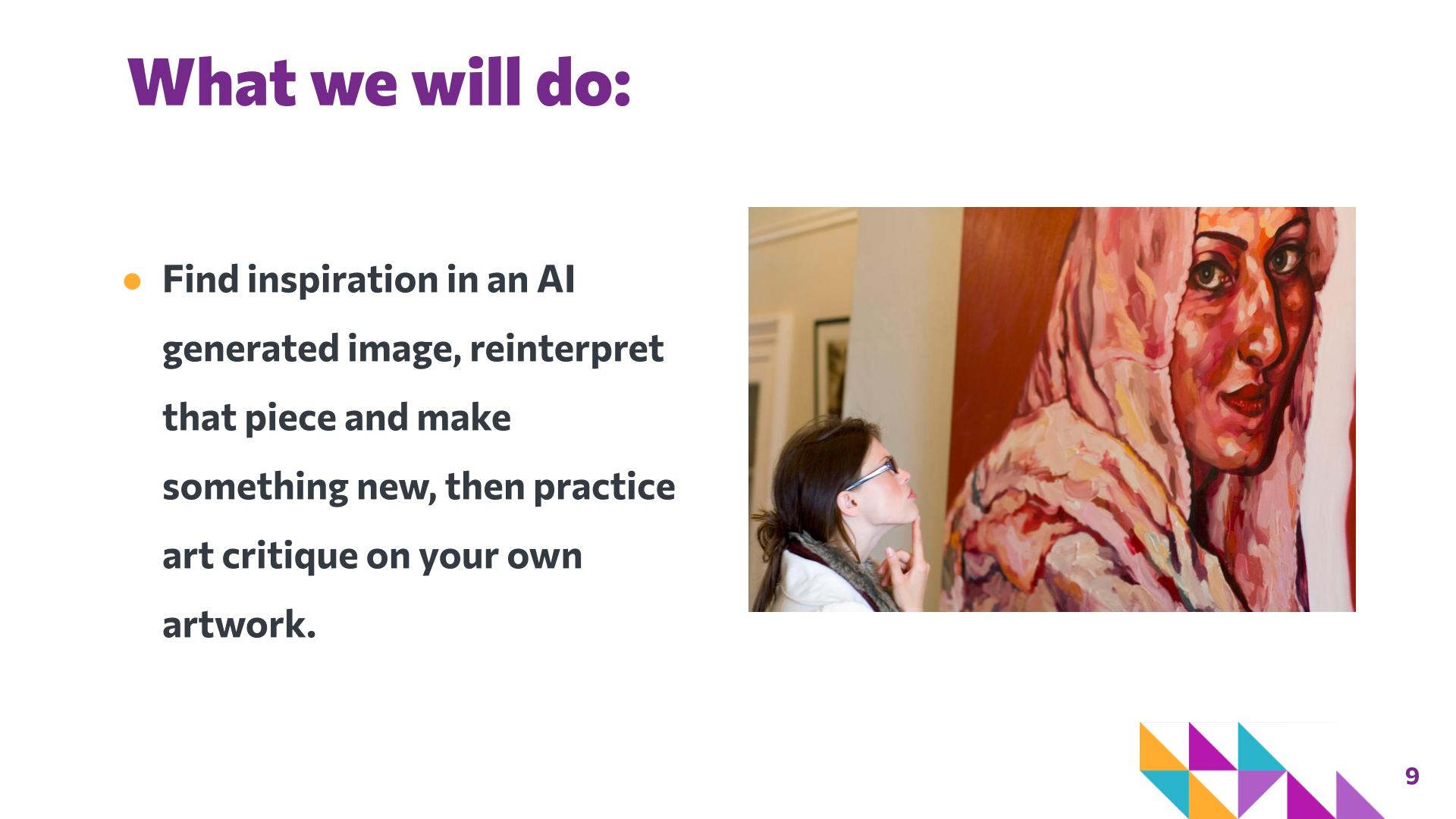
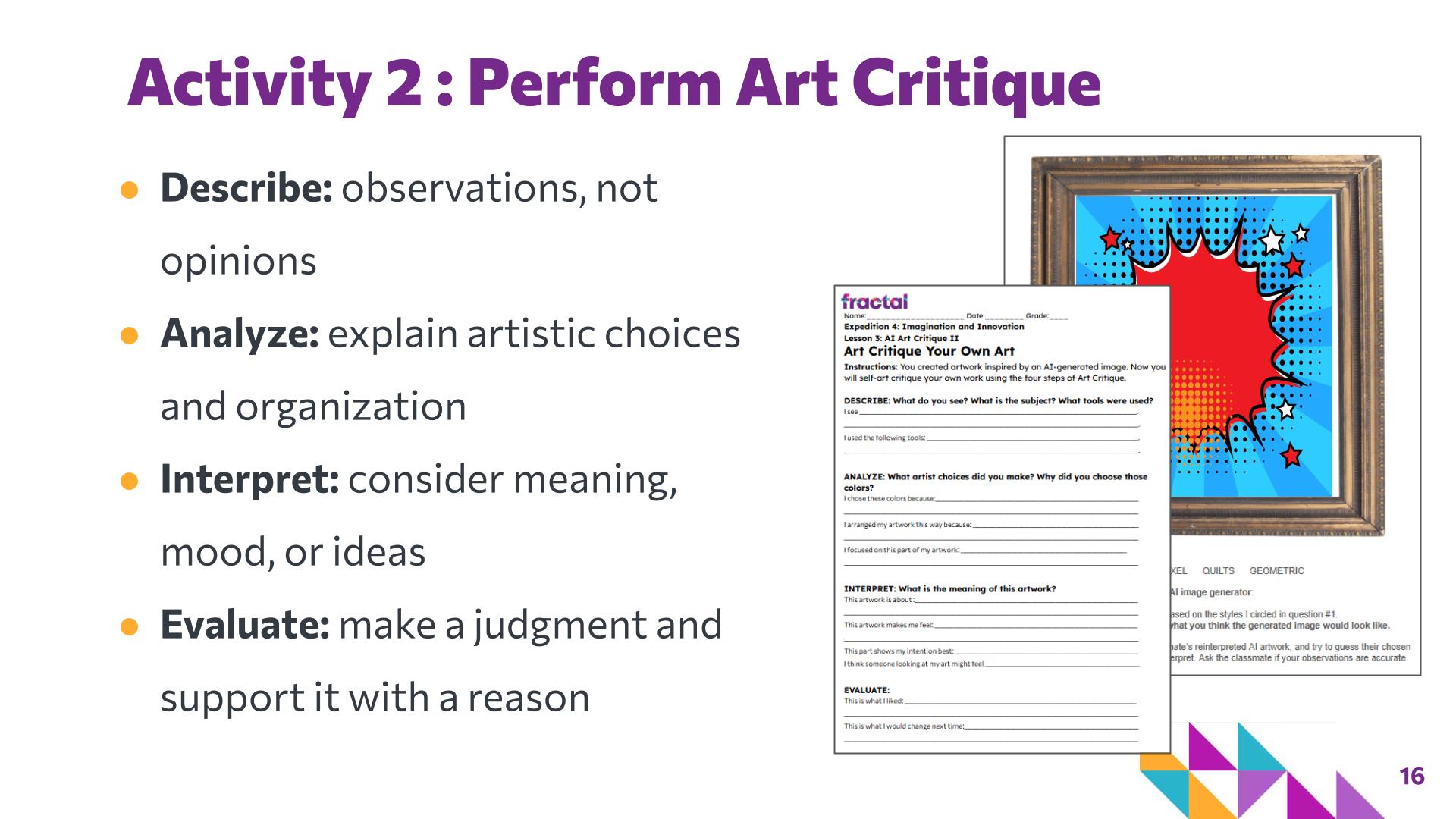
    • Review art critique as a structured way of thinking and speaking about artwork rather than simply criticizing it. Reinforce that critique helps viewers examine what an artwork shows, how it is organized, what it might mean, and how they respond to it. Review the four stages of art critique introduced in Lesson 3.
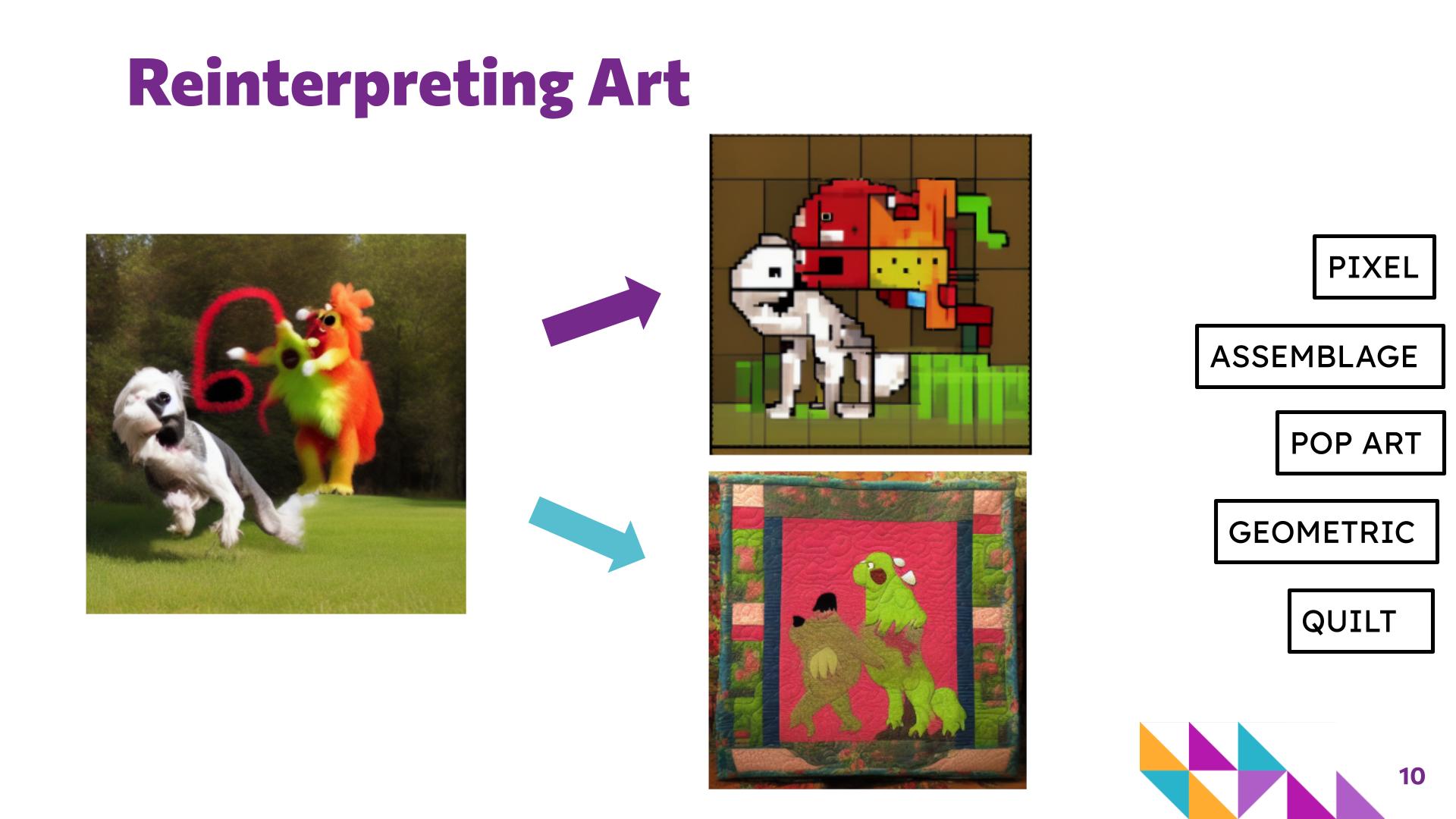
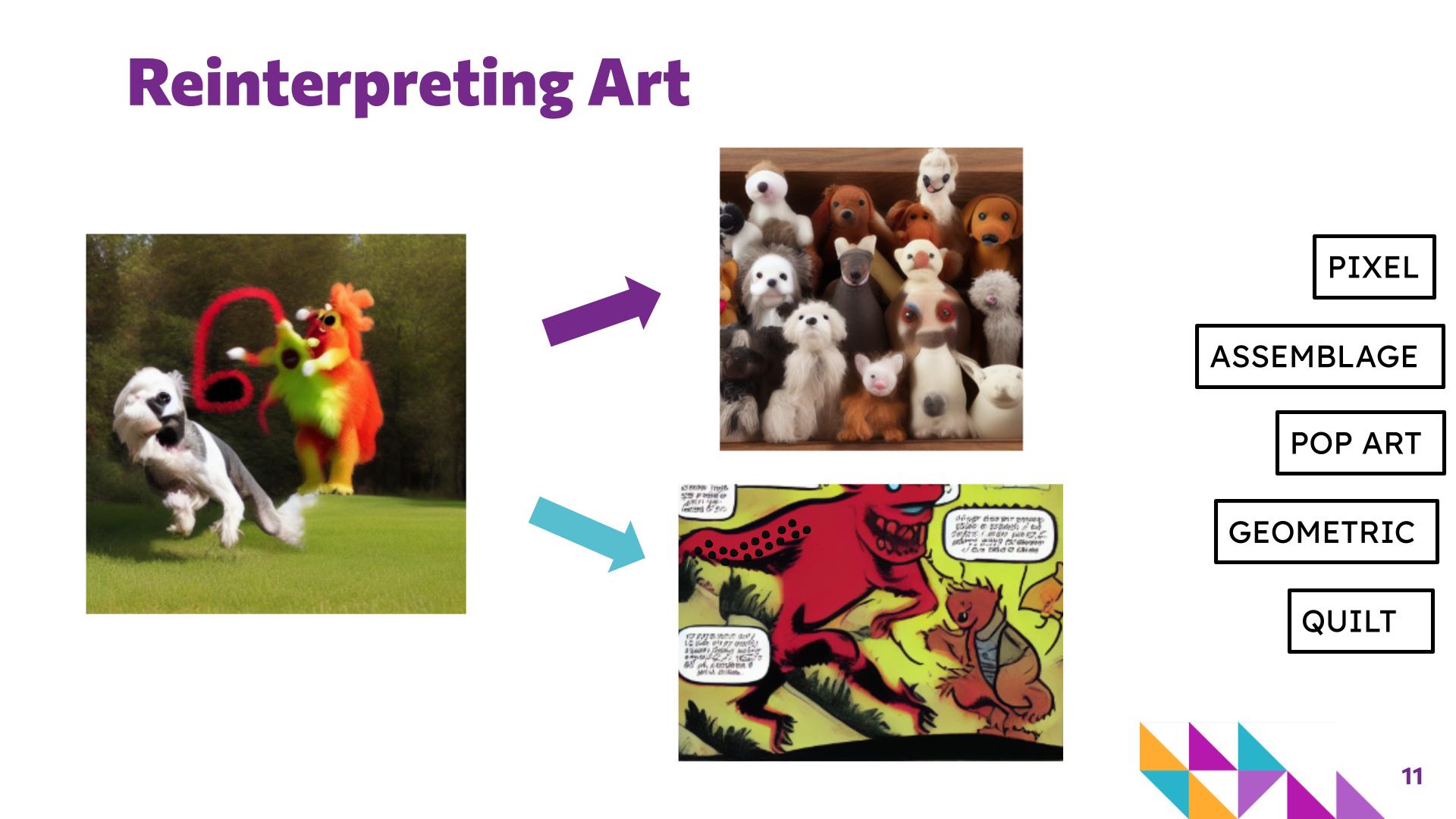
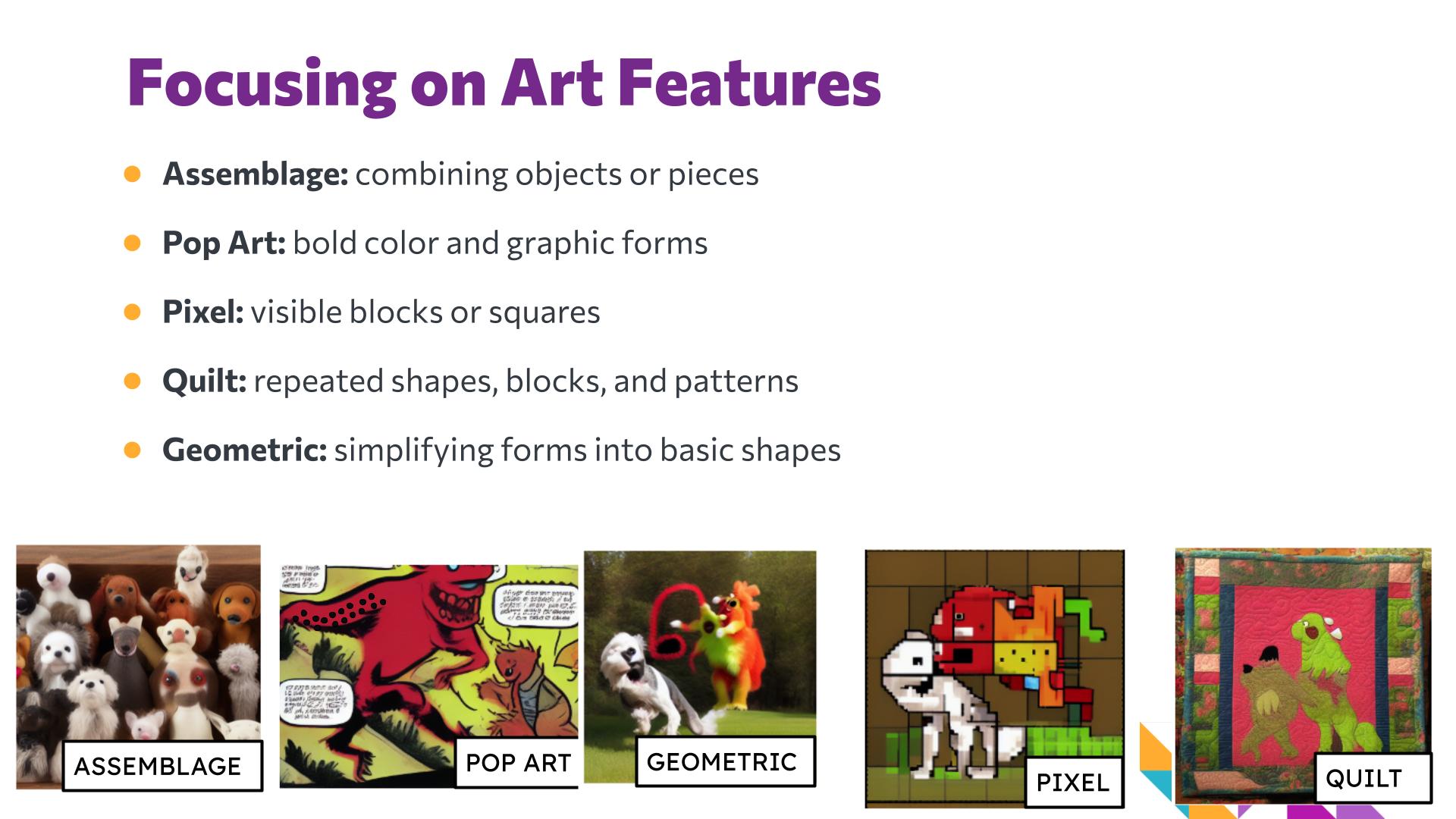
    • Explain that students will apply the same framework to their own artwork later in the lesson. Introduce reinterpretation as creating a new representation of an existing image or idea. Use the sequence of examples on slides 7–10 to show how the same starting image can be represented using assemblage, Pop Art, geometric forms, pixels, or quilting.
    • Invite students to notice what remains recognizable across the different versions and what changes. Emphasize that reinterpretation involves decisions about what to keep, what to change, and how to represent an idea.
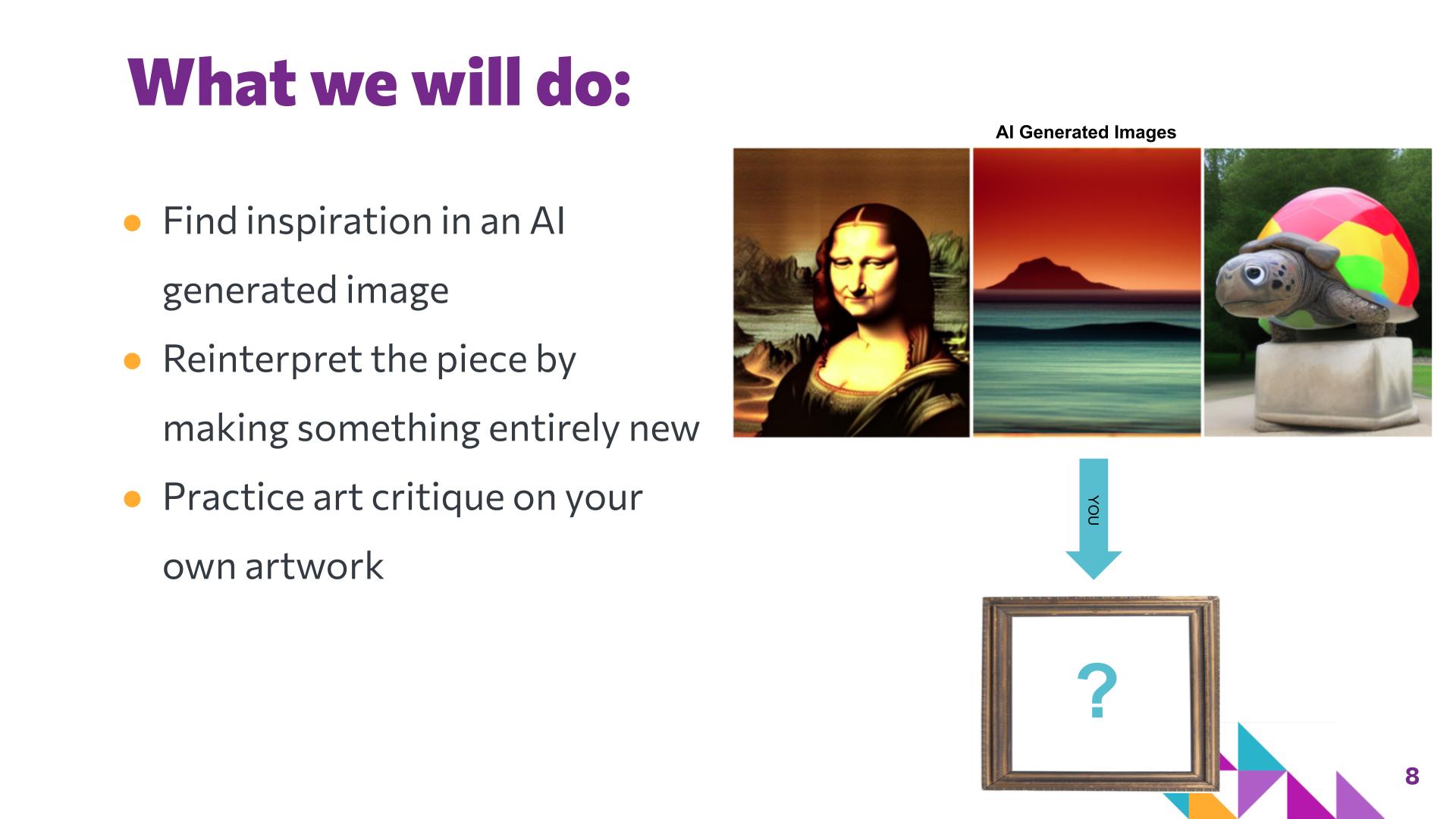
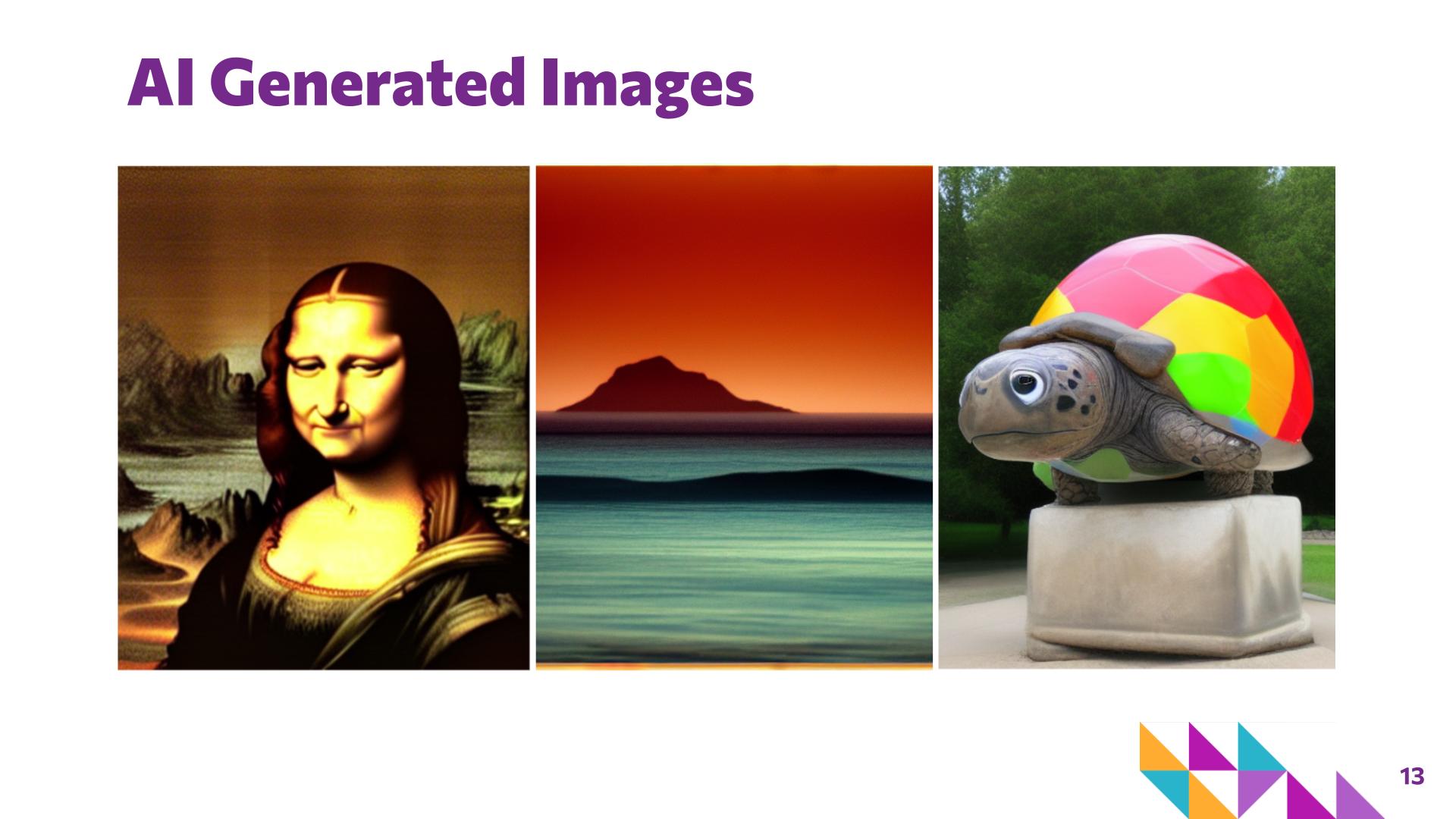
    • Introduce the provided AI-generated images as sources of inspiration, not finished products students are expected to copy. Encourage students to choose an image based on something that interests them, such as its subject, shapes, colors, mood, or unusual features.
  3. Activity: Art Remix

    25 minutes · Slides 13–15

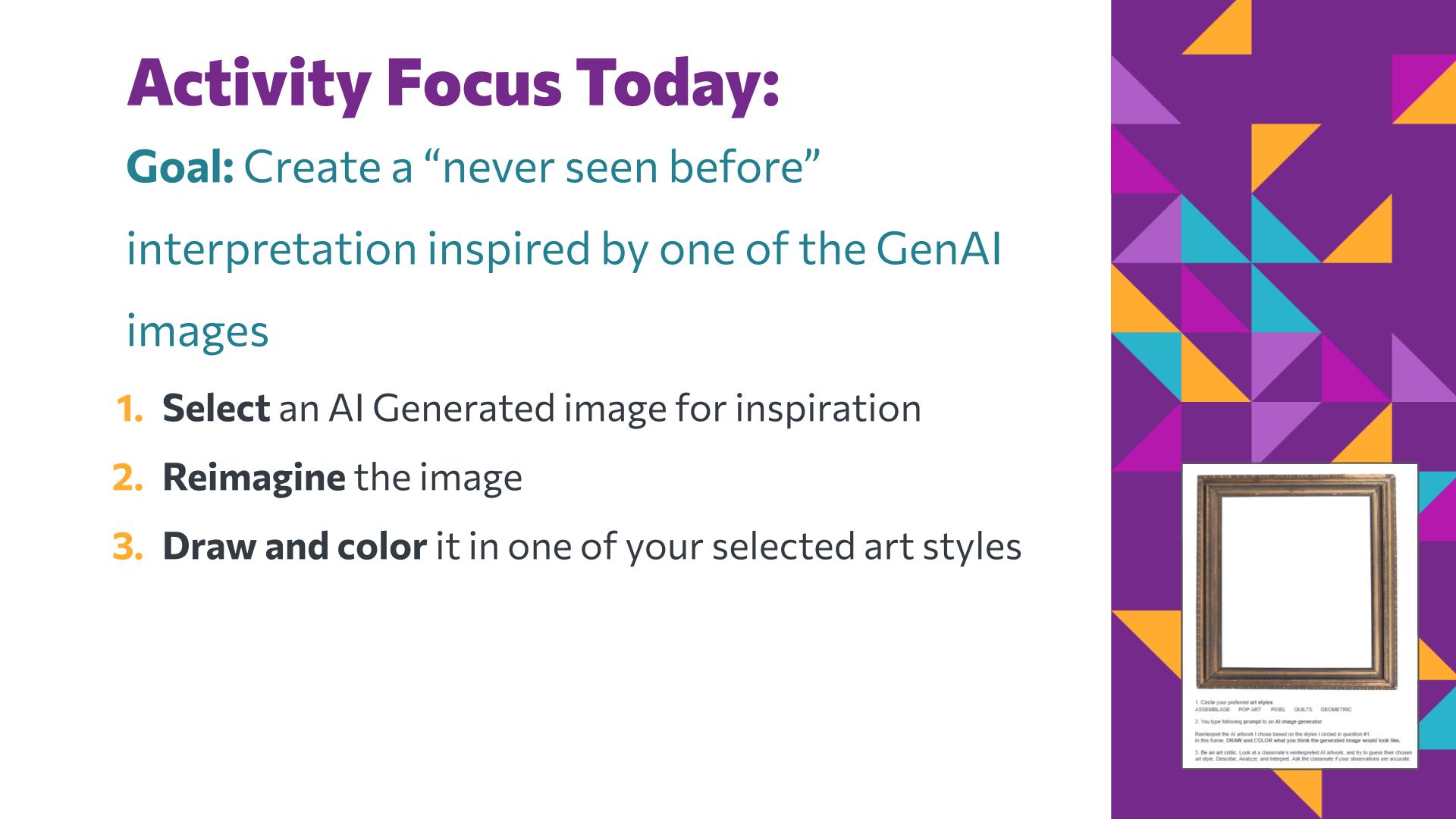
    • Introduce the Art Remix challenge: students will create a "never seen before" reinterpretation inspired by one of the provided GenAI images. Have students select one AI-generated image to use as inspiration.
    • Ask students to reimagine the image by deciding what they want to keep, change, simplify, exaggerate, or add.
    • Students then draw and color their reinterpretation using one of the selected art styles, such as pixel, quilt, geometric, Pop Art, or assemblage.
    • Encourage students to connect their reinterpretation to other art styles or techniques they have already experienced in your class. You may also preview additional styles or techniques to expand the range of possibilities students can draw from.
  4. Closing

    5 minutes · Slides 16–17

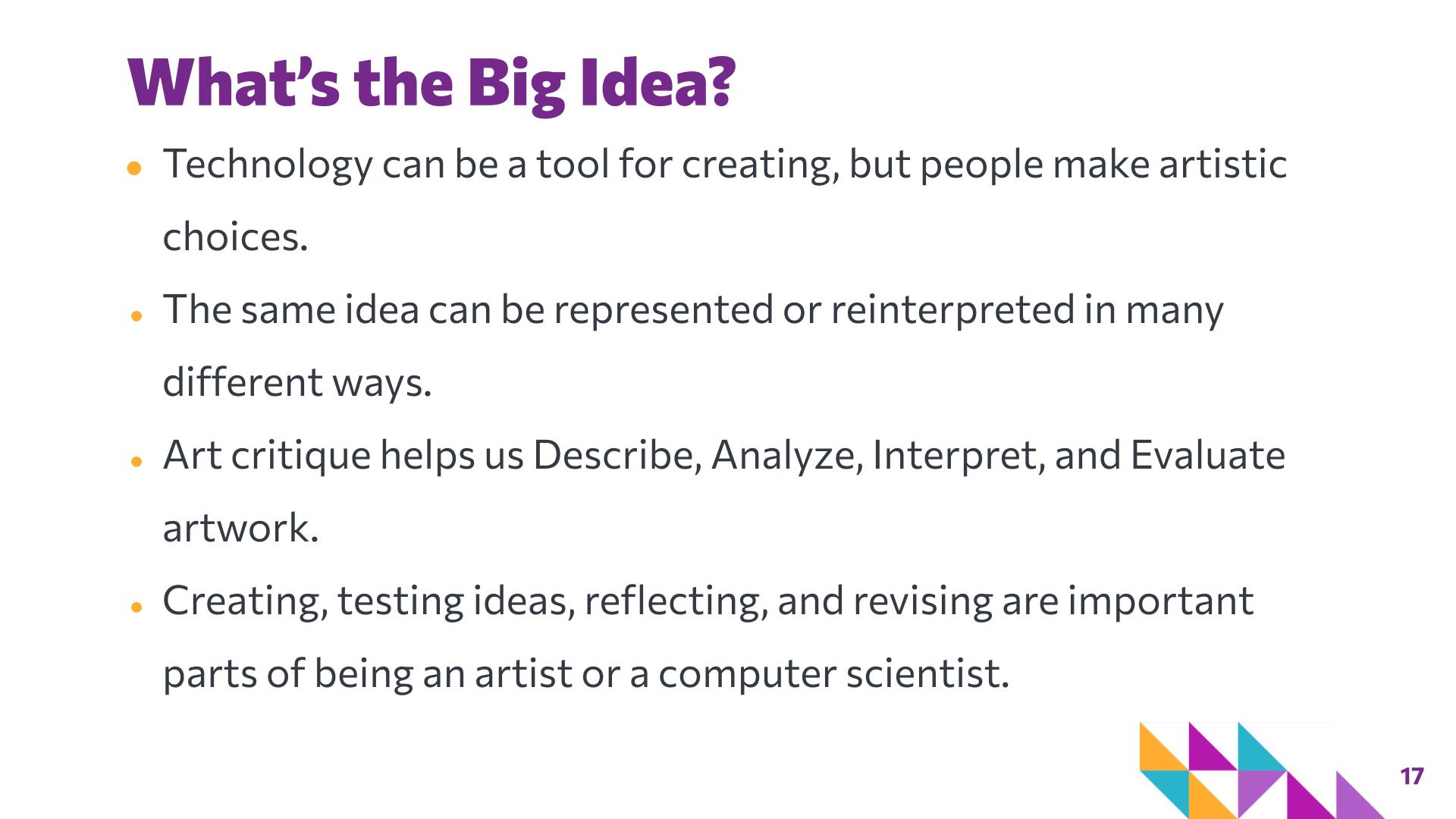
    • Review the big ideas of the lesson and connect them to students' experiences across FRACTAL: technology can be a tool for creating, but people make artistic choices; the same idea can be represented or reinterpreted in many different ways; art critique helps us Describe, Analyze, Interpret, and Evaluate artwork; and creating, testing ideas, reflecting, and revising are important parts of being an artist.
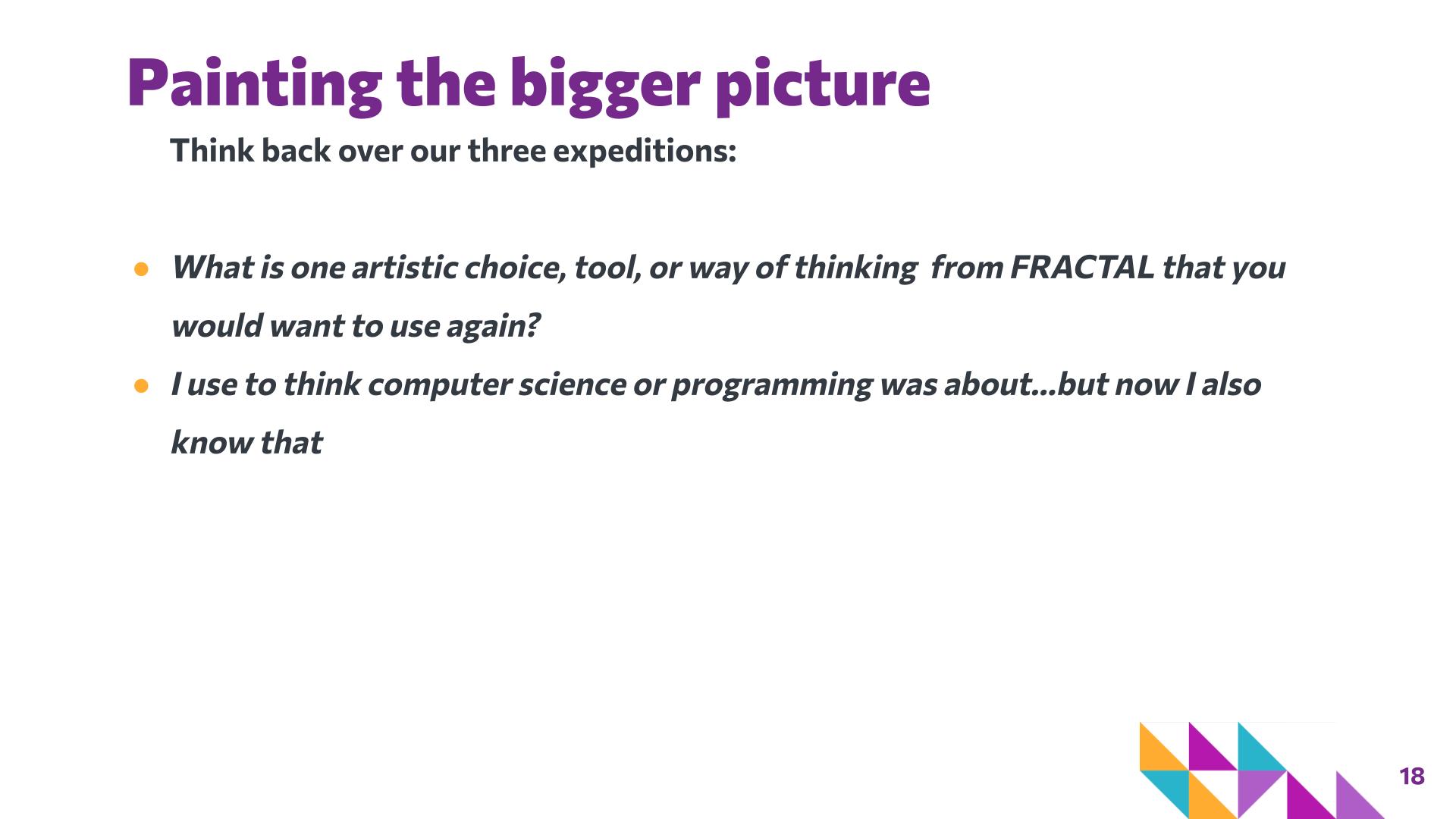
    • Finish with a reflection about something they learned in FRACTAL that might be useful in the future.

Slide-by-slide guide

The lesson deck with its speaker notes — what to say and what to do on each slide, with suggested timing. Slide numbers match the deck in Google Slides.

Slide 1: Quick Links to Materials — Art Remix
Hidden in the student deck — teacher reference

Quick Links to Materials

Say

This slide includes quick links to today’s lesson materials.

Do

Teacher-facing slide. Before class, open the Lesson 4 materials and prepare the AI-generated image choices, student activity sheets, drawing paper, and coloring materials. This slide can be skipped when presenting to students.

Slide 1 of 18

Materials & preparation

Handouts & links

Gather

  • Media for coloring (e.g., markers, colored pencils, pastels, paint)

Learner variability

This lesson provides multiple entry points through choice of inspiration image and art style. Students work toward the same goals of reinterpretation and art critique but can vary how much they simplify, change, or build on the original image.

Students can choose from several AI-generated images based on their interests or comfort with the subject, and choose an art style (pixel, quilt, geometric, Pop Art, or assemblage) to guide their reinterpretation. Students have the option to create a simpler version that focuses on a few important features or add more detail and complexity as desired, and can use the visual style examples as models while still making their own artistic choices.

During self-critique, students can write or describe their process, and the process can be broken into parts to be more manageable. Students may discuss ideas with a partner before writing, and can use brief written responses, sentence starters, or visual evidence from their artwork to explain their thinking.

How these options connect to UDL →

Background for the teacher

Art critique
A structured process for observing or describing, analyzing, interpreting, and evaluating artwork. Art critique moves beyond simply saying whether someone likes or dislikes a work and encourages viewers to support ideas with visual evidence.
Self-critique
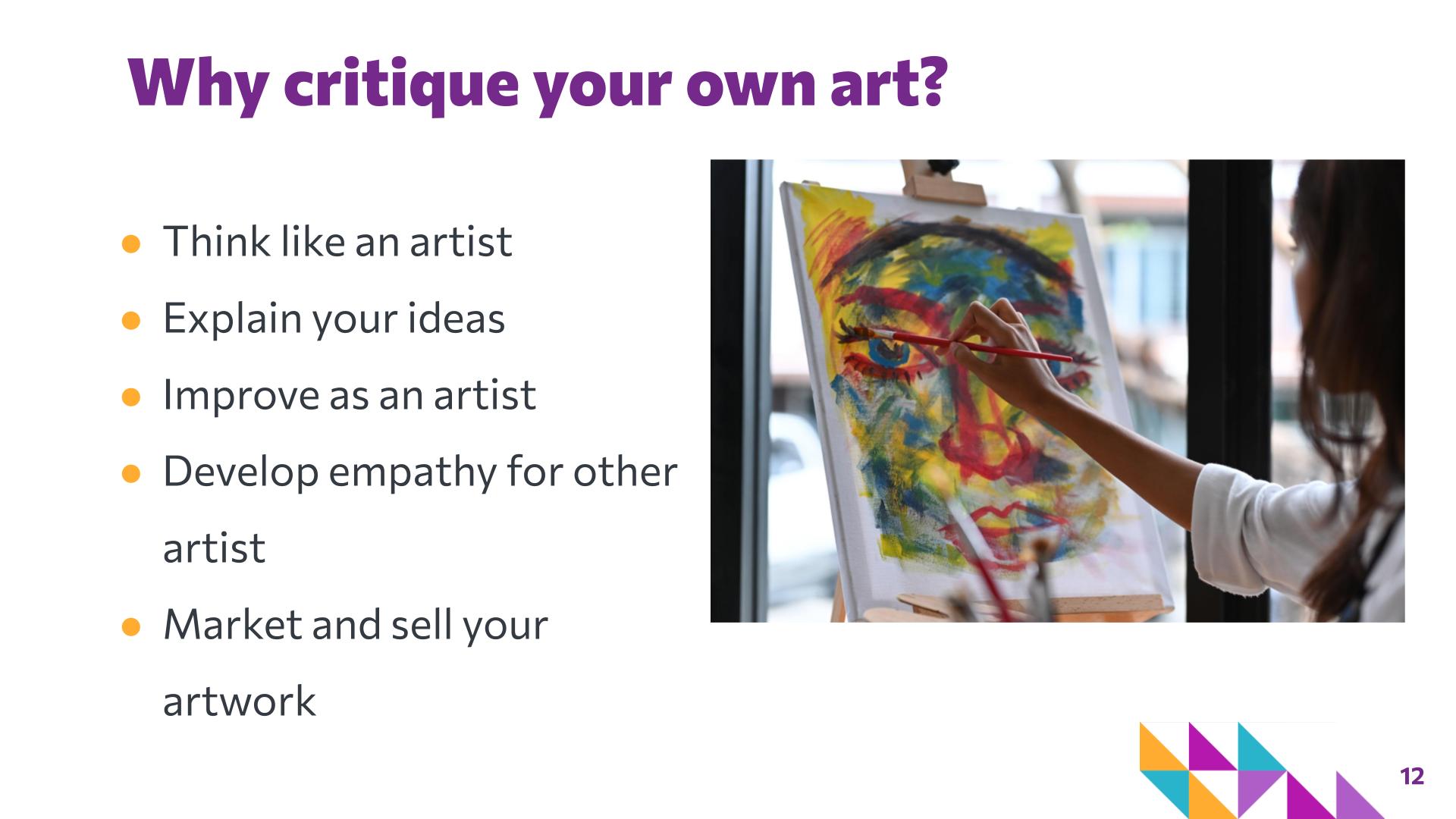
Applying the critique process to one's own work. Self-critique gives artists an opportunity to notice and explain their decisions, reflect on the effectiveness of those choices, and identify possibilities for future revision.
Reinterpretation
Creating a new representation of an existing image, artwork, subject, or idea. A reinterpretation, called remixing in coding, may preserve recognizable features while changing style, materials, color, composition, level of detail, or meaning.
Artistic choice
An intentional decision made by an artist about how an idea will be represented. Choices may include subject, color, shape, style, composition, pattern, emphasis, materials, and what information to include or leave out.
Artistic style
Recognizable visual features or approaches used to create artwork. In this lesson, students explore broad style categories such as pixel, geometric, quilt, Pop Art, and assemblage as possible starting points for reinterpretation.
AI-generated image
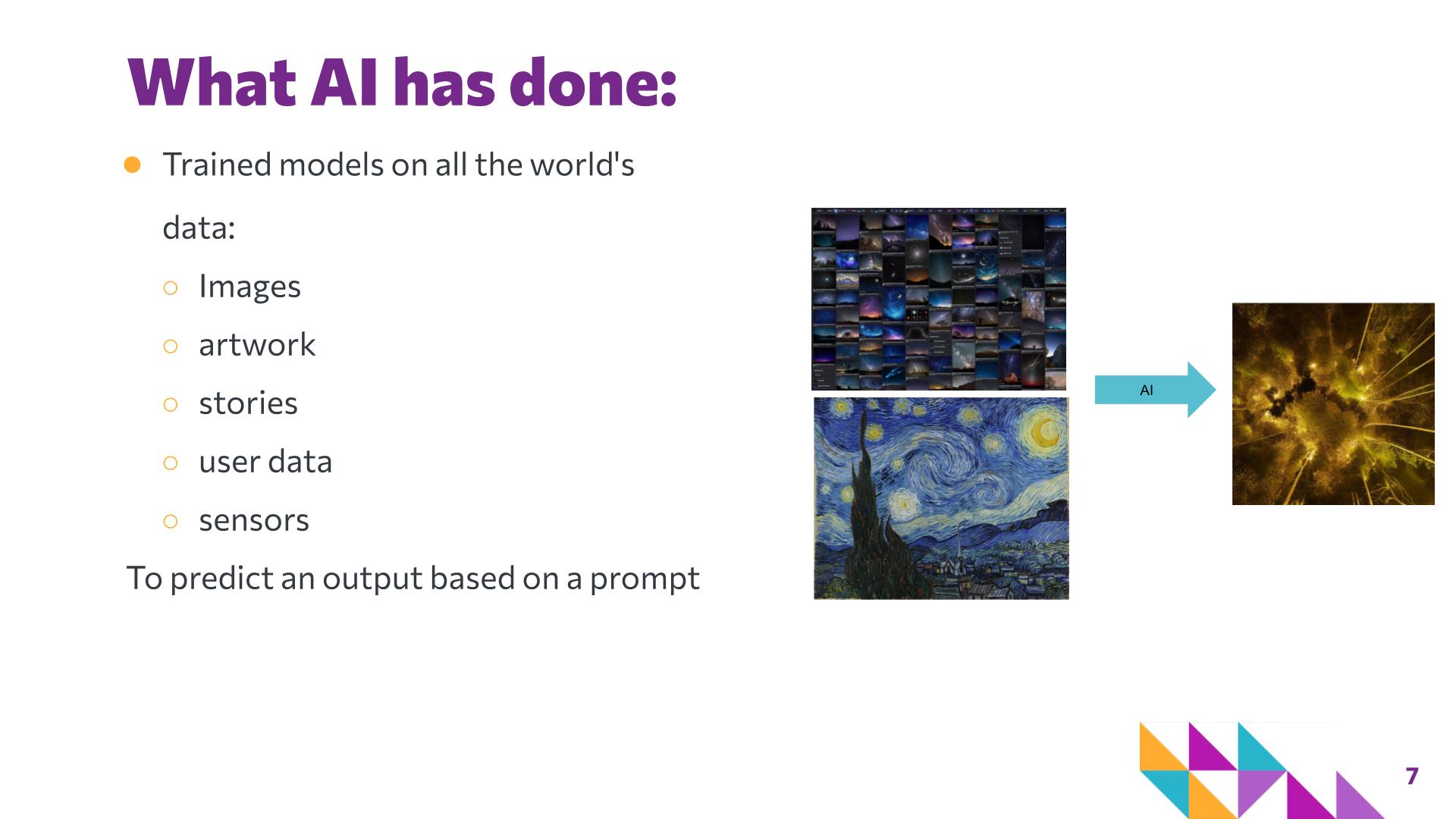
An image produced by an AI image-generation system in response to input such as a text prompt. Earlier Expedition 3 lessons establish that these systems generate images using learned patterns and relationships in data rather than imagining or making intentional artistic decisions in the same way a human artist does.
Artistic intent
The ideas, purposes, or meanings an artist deliberately seeks to communicate. In this lesson, the AI-generated image provides a starting point, while students make their own intentional decisions about how to reinterpret and communicate through the resulting artwork.
How these ideas connect

  • Reinterpreting an AI-generated image highlights the distinction between a technological output and the intentional artistic choices a student makes when deciding what to keep, change, simplify, emphasize, and communicate.
  • The activity revisits ideas from earlier FRACTAL Expeditions. Students may draw on pixel art, quilting, geometric abstraction, patterns, color, composition, and other approaches they have already explored.
  • The lesson reinforces that the same starting idea can result in many valid representations depending on the artist, tool, medium, and purpose.
  • As the culminating FRACTAL lesson, Art Remix positions technology as part of a broader creative toolkit while emphasizing the human practices of choosing, interpreting, experimenting, reflecting, and communicating.

Artists referenced in this lesson

Artist Artwork referenced Computational thinking connection
Student and AI-generated artists AI-generated artworks and student-created images Abstraction & iteration: students consider how prompts and creative choices influence an AI-generated output and how revising inputs can produce different results.
Vincent van Gogh The Starry Night Pattern recognition & abstraction: repeated lines, swirling forms, and color patterns provide a strong example of identifying visual patterns and considering how complex scenes can be represented through distinctive features.
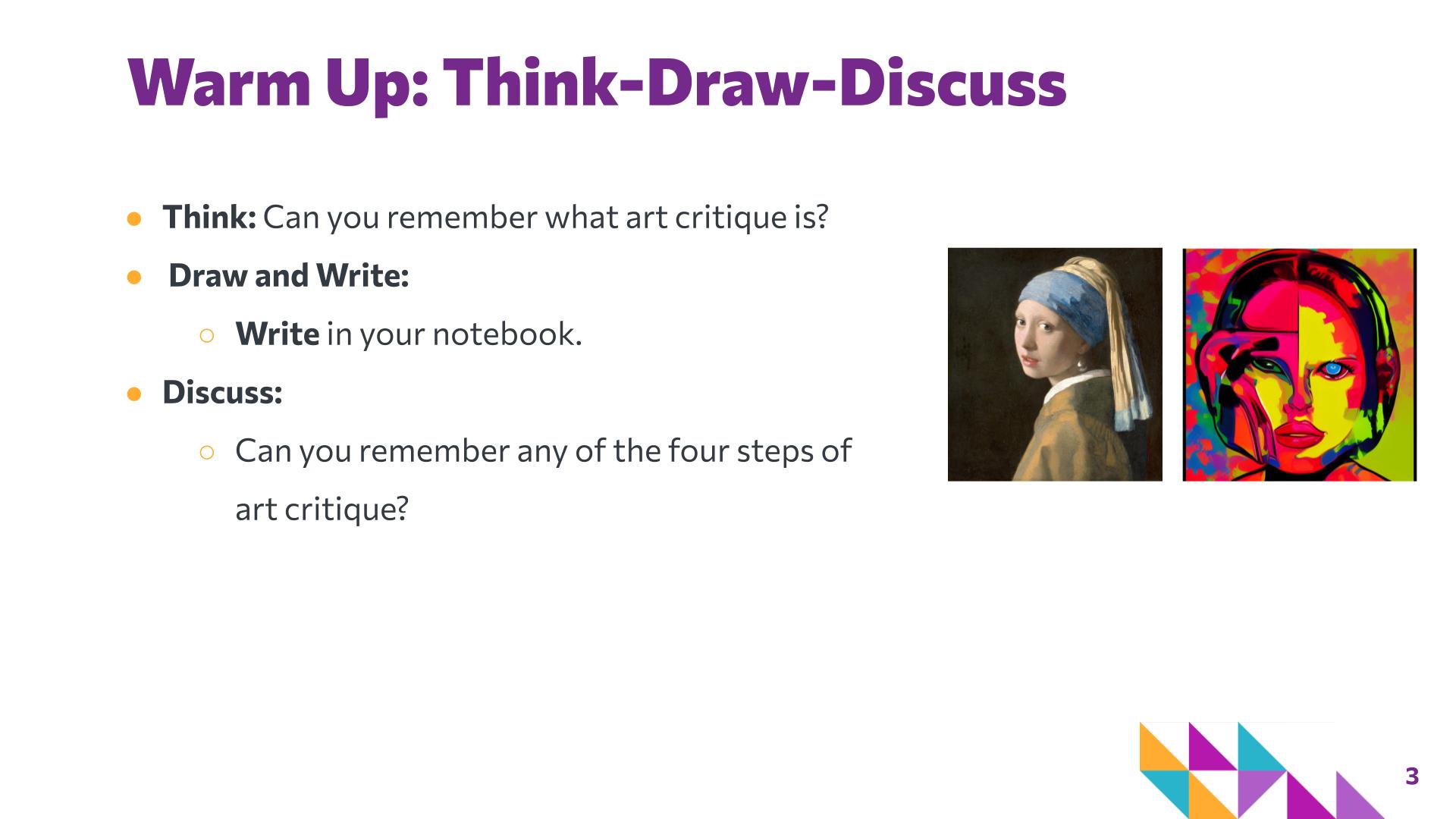
Johannes Vermeer Girl with a Pearl Earring Abstraction & representation: students can examine which visual features make the image recognizable and how those features may be preserved, simplified, or transformed in different representations.